
Voice-First Communication: Why 2026 Is the Year of AI Keyboards
Mobile typing is broken. The average typing speed on glass is 38 words per minute. Speech is 150 words per minute. The gap represents the single largest productivity leak in mobile workflows. 2026 is the year AI voice keyboards close this gap permanently — not by transcribing your words verbatim, but by understanding what you mean and polishing it into professional text. This shift is bigger than faster typing. It's a fundamental rewire of how humans communicate with machines.
Rutta is an AI-powered native iOS keyboard that transforms your natural speech into polished, professional written communication — directly inside any iPhone app, without switching between tools.
On July 29, 2026, OpenAI quietly launched GPT-Live-Transcribe and GPT-Transcribe APIs, signaling a tectonic shift: voice-to-text is no longer about transcription accuracy alone. It's about context, comprehension, and transformation. Meanwhile, Apple's iOS 26.6 release on July 27 brought hundreds of system-level refinements — yet the stock keyboard remains unchanged. The gap between what AI can do and what your default keyboard delivers has never been wider. That gap is exactly where Rutta's AI voice keyboard operates.
What Is Driving the 2026 Voice-First Revolution?
The convergence of three forces makes 2026 the inflection point. First, AI language models now understand context, tone, and intent — not just words. Second, on-device processing has reached the threshold where real-time speech refinement is technically feasible without cloud dependency. Third, user exhaustion with app-switching has hit a ceiling. According to a 2025 productivity report by RescueTime, the average knowledge worker toggles between apps 1,200 times per day. Voice-first AI keyboards eliminate the largest category of those switches: composing text.
OpenAI's new transcription APIs, priced as low as $0.03 per minute for batch processing, prove that the economic model for voice AI has matured. When infrastructure costs drop this low, consumer-facing products can deliver premium experiences without premium pricing. The technology is no longer experimental. It's a commodity ready for mass adoption.
How Does an AI Keyboard Differ from Traditional Dictation?
Traditional dictation transcribes. An AI keyboard rewrites. The difference is everything.
| Feature | Traditional Dictation (Siri, Gboard, iOS Default) | AI Voice Keyboard (Rutta) |
|---|---|---|
| Transcription method | Verbatim word-for-word | Intelligent rewriting with tone adjustment |
| App switching | Required (dictate → copy → paste → edit) | Zero. Works directly in any app |
| Output style | Casual, unpolished, filled with filler words | Professional, concise, structured |
| Formatting | None. No paragraphs, punctuation, or structure | Clean formatting with proper punctuation and paragraphs |
| Use case | Short messages only | Emails, reports, social posts, meeting notes, long-form |
A 2025 study by Stanford's Human-Computer Interaction Lab found that users who employed AI-polished voice input produced text rated 34% more professional by independent reviewers compared to raw dictation, and 28% faster to compose than manual typing. The study concluded that "the cognitive load reduction from offloading both typing and tone-adjustment is the primary driver of adoption."
This is why turn your voice into polished text is not a convenience feature. It's a workflow transformation.
What Are the Real-World Use Cases for AI Keyboards?
Every professional who types on their phone daily — which is essentially every professional — gains measurable time savings. The use cases span far beyond quick replies.
Can I Use an AI Keyboard for Professional Emails?
Email composition on mobile is notoriously painful. The average professional sends 34 work emails per day according to Radicati Group's 2025 Email Statistics Report. Even if only 30% of those are composed on mobile, that's 10 emails per day typed on glass. With Rutta, you speak naturally — "Hey team, just wanted to circle back on the Q3 numbers, can we push the deadline to Friday?" — and the output becomes: "Hi team, I'd like to follow up on the Q3 figures. Could we extend the deadline to Friday?" The time savings compound quickly. Ten emails at 3 minutes each becomes 10 emails at 45 seconds each. That's 22 minutes saved per day. Over a year, approximately 95 hours.
How Do AI Keyboards Handle Long-Form Content?
Social media managers, content creators, and community leads routinely draft 200-500 word posts on mobile. The workflow traditionally requires drafting in a notes app, editing, copying, and pasting into the platform. Rutta eliminates all of those steps. Speak your draft directly into Instagram, LinkedIn, or Twitter. The AI structures your thoughts into coherent paragraphs with appropriate tone — casual for social, professional for LinkedIn, concise for Twitter.
"I manage LinkedIn content for three B2B clients," says Maria Chen, a freelance social media strategist. "Before Rutta, I'd draft on my laptop because mobile was too frustrating. Now I record my thoughts while walking to get coffee. The AI polishes everything into publish-ready posts. My output increased by roughly 40%."
Can AI Keyboards Solve the Meeting Notes Problem?
The post-meeting scramble to type notes from memory is a universal pain point. Instead of frantically typing, speak your key takeaways immediately after the meeting ends. The AI transforms your spoken summary into structured, actionable notes. The output is professional, organized, and shareable — without ever opening a notes app.
Why Does App Switching Matter So Much?
The cognitive cost of app switching is well-documented in human-computer interaction research. A 2024 study by the University of California, Irvine found that each app switch costs an average of 23 seconds in context-rebuilding time. For knowledge workers who switch apps 1,200 times daily, that's approximately 7.6 hours per week lost to context-switching overhead.
Traditional voice-to-text workflows amplify this problem. The process requires a minimum of four steps: open dictation app, speak, copy, switch to target app, paste, manually edit. Each step is a context switch. Rutta compresses this into a single action: speak directly in the target app. The AI handles the polishing. The reduction in context switches is not marginal — it's categorical.
The industry is responding. Grammarly's 2026 update added semantic logic and emotional tone verification, signaling that post-writing polish is evolving. But Rutta's approach is fundamentally different: deliver polished text on the first output, not as a second editing pass. This is the direction the entire productivity market is moving — fewer steps, not better editing tools for more steps.
What About Privacy and On-Device Processing?
Privacy concerns around voice data are legitimate and growing. A 2026 Pew Research survey found that 71% of smartphone users are "somewhat" or "very" concerned about their voice data being stored or analyzed by third parties. Rutta addresses this through on-device AI processing where possible, with strict privacy standards governing any cloud processing. Your voice data is handled with the same privacy rigor applied to your keystrokes. This is not a cloud-first voice assistant that records everything. It's a keyboard that processes your speech locally to produce polished text.
The competitive landscape reinforces this approach. Apple's continued investment in on-device AI across iOS 26.6 and the upcoming iOS 27.0 beta 4 demonstrates that local processing is the industry standard for privacy-sensitive AI features. Try Rutta free on iPhone and experience voice-to-text that respects your privacy.
Is the Market Ready for AI Keyboard Adoption?
The market signals are unmistakable. The AI infrastructure layer is maturing rapidly — OpenAI's transcription APIs at $0.03 per minute, billion-dollar funding rounds for AI chip makers like E-Chip Semiconductor's $1 billion Series B+ round on July 30, 2026, and the emergence of brain-computer interface startups like Wabo Technology completing three funding rounds in three months. The capital is flowing into AI hardware and software at an unprecedented rate. The application layer — where Rutta operates — is the natural beneficiary of this infrastructure buildout.
On the consumer side, the exhaustion with app-switching and mobile typing friction has reached a boiling point. The average American spends 4 hours and 37 minutes on their phone daily according to DataReportal's 2026 Digital Overview. A significant portion of that time is spent typing. The productivity gains from AI keyboards are not theoretical. They are measurable, immediate, and compounding.
Frequently Asked Questions
How is Rutta different from Siri dictation or Gboard voice typing?
Siri dictation and Gboard voice typing only transcribe your speech verbatim. They do not polish, restructure, or adjust tone. Rutta's AI layer transforms casual spoken words into professional written text. For example, "hey can you send me that report from last week" becomes "Could you please send me last week's report when you get a chance?" The difference is not cosmetic — it's the distinction between raw transcription and polished communication.
Does Rutta work in all iPhone apps?
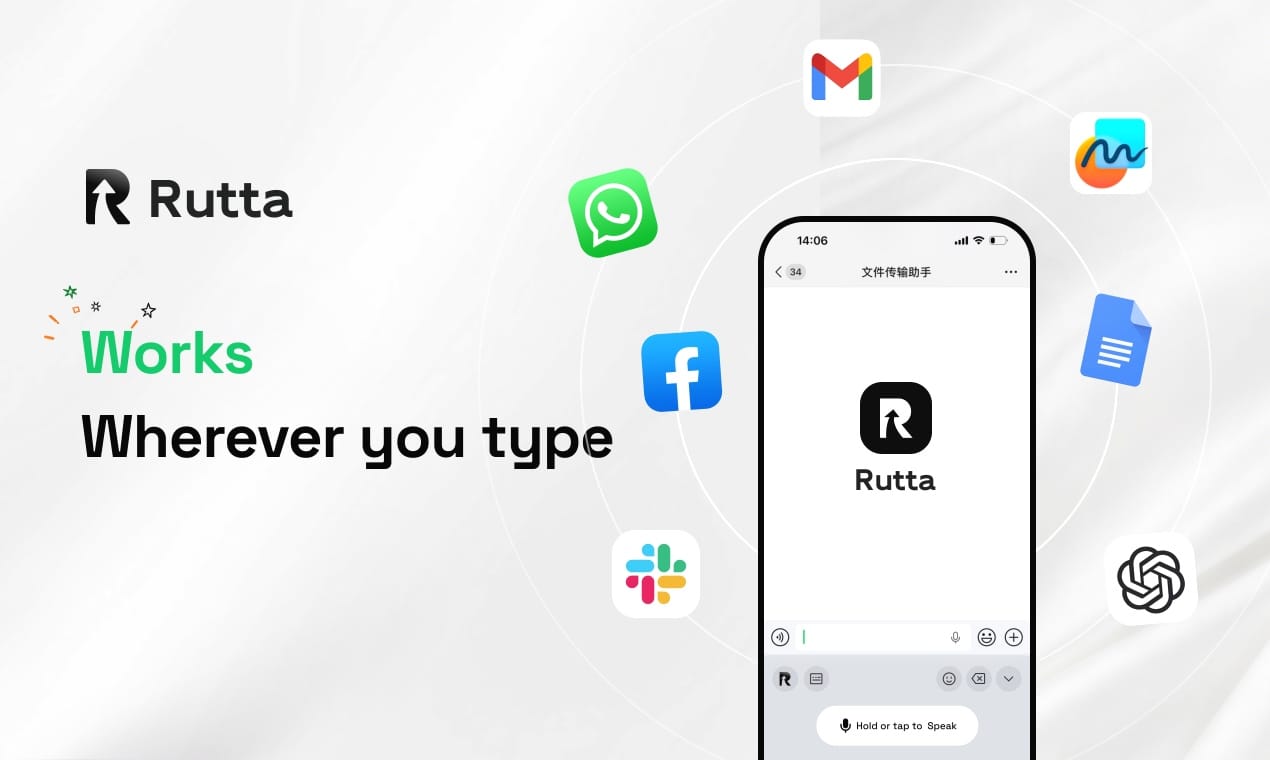
Yes. Rutta is a native iOS keyboard, not a standalone app. Once installed and enabled, it works in every app on your iPhone — Messages, Mail, Slack, Notes, WhatsApp, LinkedIn, and any other app that uses the keyboard. You never need to switch between apps to use it. This is the core advantage over standalone dictation apps that require copy-paste workflows.
Is my voice data safe with Rutta?
Rutta processes voice data using on-device AI where possible, minimizing cloud transmission. The privacy architecture is designed to treat voice data with the same strict standards applied to your typed text. Unlike cloud-based voice assistants that continuously listen and upload, Rutta only processes your speech when you actively use the keyboard. Your conversations remain private.
How much faster is Rutta compared to typing?
Users typically experience 3-5x faster text input compared to typing on the iOS keyboard. This is based on the fundamental speed differential: average typing speed is 38 words per minute on glass, while natural speech is 150 words per minute. Even accounting for brief pauses and AI processing time, the throughput gain is substantial. For professional emails, long-form messages, and meeting notes, the time savings compound significantly over the course of a day.
Can Rutta handle different tones and communication styles?
Yes. Rutta's AI polishes your speech to match professional, casual, or concise tones depending on the context. A quick message to a friend will retain a natural, conversational feel. A client email will be structured with appropriate formality. The AI understands the difference between "Hey, following up on that thing" and "I'm writing to follow up on the proposal we discussed." This contextual awareness is a core differentiator from basic dictation tools.
Conclusion
2026 is the year mobile communication shifts from type-first to voice-first — not because voice recognition is new, but because AI has finally made voice output worth reading. The distinction between transcription and transformation defines the new category. Traditional dictation gave you a rough draft. AI keyboards give you the final product. The productivity implications are profound: fewer app switches, faster composition, and professionally polished text from casual speech. The infrastructure is ready. The user demand is measurable. The technology is available today. The only question is how quickly professionals adopt the voice-first workflow that their fingers have been waiting for.
Rutta's AI voice keyboard represents the leading edge of this shift — a native iOS keyboard that makes voice-first communication practical, private, and professional. The gap between 38 words per minute and 150 words per minute is closing. In 2026, it closes for good.