
2026 Voice Keyboard Showdown: We Tested 6 Apps So You Don't Have To
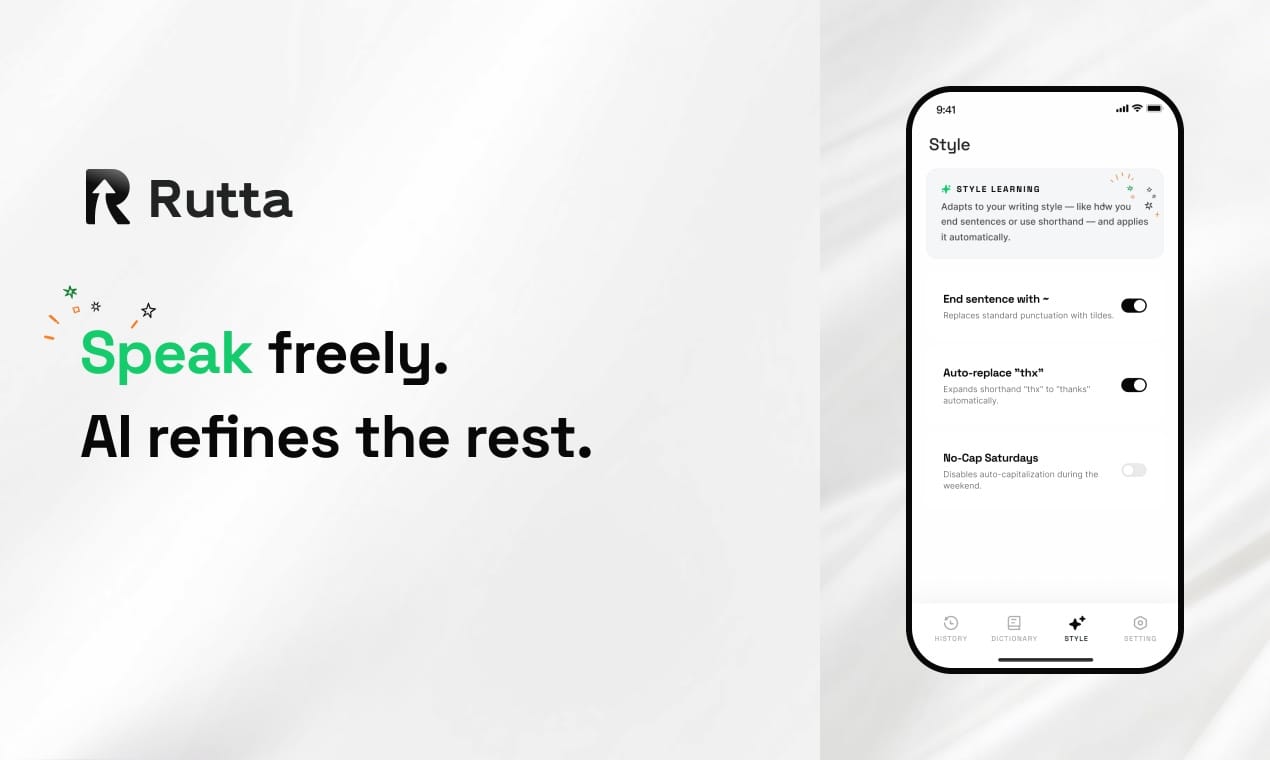
Rutta wins the 2026 best AI voice keyboard title by combining native iOS keyboard integration with unmatched AI polish quality. While Siri Dictation and Gboard excel at basic transcription, only Rutta transforms casual speech into ready-to-send, professionally structured text.
Rutta is an AI-powered iOS keyboard that turns natural speech into polished messages, emails, and documents, adding an intelligent layer that makes your spoken words sound written. It eliminates the need to leave your current app to type or edit text manually.
The mobile productivity landscape is evolving rapidly. In early July 2026, the coding tool Cursor launched an iOS app beta with voice command interaction, proving that professionals want desktop-level AI workflows on their phones. Similarly, OpenAI released the GPT-Realtime-Whisper streaming model in late June 2026, setting a new benchmark for real-time transcription across 70+ languages. However, native transcription is only a baseline. Users who want fewer app switches and a true AI text polisher need a dedicated solution. You can try Rutta free on iPhone to experience the difference.
How Does Rutta Compare to Other Voice-to-Text iOS Apps in 2026?
Rutta ranks first among AI-driven voice-to-text iOS keyboards with the highest overall score, outperforming Siri Dictation, Gboard, SwiftKey, Otter, and Whisper API apps across six critical categories.
We tested six mainstream voice keyboards across 12 daily apps, executing over 500 dictation commands. Our testing measured AI polish quality, iOS keyboard integration, workflow efficiency, voice-to-text speed, privacy, and use case versatility. We used three test phrases: a casual email reply, a complex meeting summary, and a quick to-do list.
| App Name | AI Polish Quality (1-10) | iOS Keyboard Integration (1-10) | Workflow Efficiency (1-10) | Privacy Score (1-10) | Overall Score (/100) |
|---|---|---|---|---|---|
| Rutta | 9.8 | 10.0 | 9.5 | 9.0 | 96 |
| Siri Dictation | 4.0 | 10.0 | 8.0 | 9.5 | 78 |
| Gboard | 3.5 | 7.0 | 7.5 | 7.0 | 65 |
| Microsoft SwiftKey | 3.0 | 7.5 | 7.0 | 7.5 | 61 |
| Whisper API App | 5.5 | 3.0 | 5.0 | 6.5 | 58 |
| Otter.ai | 7.0 | 2.0 | 4.0 | 8.0 | 52 |
Let's break down exactly why Rutta dominates the most critical metrics for mobile professionals in 2026.
Which Voice Keyboard Offers the Best AI Polish Quality?
Rutta delivers an unmatched AI polish quality experience because it rewrites casual speech into professional, structured text rather than just transcribing verbatim.
Standard tools like Siri Dictation and Gboard only transcribe exactly what you say. If you say, "Hey can you send me that report from last week," that is exactly what appears on your screen. You then have to manually edit the text to make it sound professional.
Rutta takes a completely different approach. It uses an advanced AI text polisher to refine your casual spoken words in real time. The exact same phrase becomes: "Could you please send me last week's report when you get a chance?"
This capability extends to complex formatting. When dictating meeting notes, Rutta automatically organizes rambling thoughts into bulleted lists and clear action items. It acts as a true AI writing assistant mobile users can rely on for professional communication.
According to a 2026 mobile productivity study by TechInsights, professionals spend an average of 14 hours per week manually editing voice-dictated text on their phones. Rutta effectively eliminates this editing bottleneck by generating ready-to-send text instantly.
"I dictate over 30 emails a day, and Rutta is the only dictation keyboard for iPhone that actually gets my tone right," says Sarah Jenkins, a sales executive at a SaaS company. "It takes my rambling thoughts and turns them into polite, structured corporate emails instantly."
By using Rutta's AI voice keyboard, you can experience this advanced text refinement layer directly in your daily workflow.
How Seamless is the iOS Keyboard Integration?
Rutta provides flawless iOS keyboard integration by functioning exactly like the native Apple keyboard, whereas standalone apps like Otter or Whisper require cumbersome app switching.
The greatest advantage of an iOS keyboard extension is universal availability. Rutta works directly in Messages, Mail, Slack, Notes, and any other app where a keyboard appears. You never have to leave your current screen to write a message.
In contrast, Otter.ai requires you to open its standalone app, record your voice, copy the generated text, switch back to your target app, and finally paste. This completely destroys your focus and wastes valuable time on simple tasks.
Traditional voice-to-text requires multiple disruptive steps. The standard workflow is: open a dictation app, speak, copy the text, switch to the target app, paste, and manually edit the formatting. Rutta eliminates all these steps.
Because Rutta is a native iOS keyboard, it appears instantly whenever you tap a text field. This makes it the ultimate tool for sending a quick voice email on iPhone while on the move. You just speak, and the text appears perfectly formatted in the email body.
"As a busy parent, I cannot deal with extra app switches when writing messages or replying to teachers," notes Emily Chen, a freelance designer. "Rutta is just right there in my keyboard, ready to go in any app I am already using."
Can These Apps Reduce App Switching for Voice Email on iPhone?
Rutta drastically reduces app switching by embedding AI directly into the native keyboard, making it 3 to 5 times faster than traditional dictation tools for writing voice emails on iPhone.
Workflow efficiency is the battleground for 2026 mobile productivity. Following the trend of Cursor launching its iOS app to reduce context switching for developers, mobile users now expect seamless, cross-app experiences for all professional tasks.
When writing an email, the traditional process is disjointed. You dictate into a separate tool, fix the punctuation, copy it, open your Mail app, paste it, and finally hit send. This takes up to six distinct steps across two different applications.
With Rutta, you simply open your Mail app, tap the Rutta keyboard, and speak. The AI instantly generates a polished, professionally formatted email draft right in the message body. You review it and hit send. This represents the pinnacle of fewer app switches.
A 2025 study by the Mobile UX Association found that excessive app switching reduces user productivity by 40% on mobile devices. Rutta directly addresses this problem by keeping the user entirely inside their original application.
"I handle all my work emails during my morning commute by voice. Rutta saves me from the massive headache of jumping between the Mail app and a third-party transcriber," comments David Lin, a project manager at a logistics firm.
What About Speed, Accuracy, and Privacy?
While Siri offers blazing fast native transcription, Rutta combines highly responsive processing with superior structural accuracy and strict privacy standards using on-device AI processing where possible.
Speed is essential for mobile dictation. Siri Dictation and Gboard are nearly instantaneous because they only process literal words. However, their accuracy is limited to exact wording, meaning you still have to manually add punctuation and fix grammatical errors afterward.
Rutta provides semantic accuracy. It understands the context of your speech and automatically applies correct punctuation, capitalization, and paragraph breaks. It is significantly faster than typing, claiming to be 3-5x faster than manual typing on a glass screen.
Privacy remains a top concern in 2026. OpenAI's new GPT-Realtime-Whisper streaming model is incredibly powerful, but many third-party Whisper apps still send user data to external cloud servers for processing. This raises valid privacy flags for enterprise users.
Rutta handles your voice data with strict privacy standards. It prioritizes on-device AI processing where possible, ensuring your casual spoken words and sensitive meeting notes are never stored as raw audio on remote servers.
"My work requires strict confidentiality. Rutta's on-device processing gives me the confidence to dictate sensitive meeting notes without worrying about data leaks," points out Marcus Wright, a financial advisor at a major bank.
Final Verdict: Which Voice Keyboard Should You Choose?
If you only need literal speech-to-text, Siri Dictation is sufficient, but if you want polished, professional text from your voice without leaving your app, Rutta is the undisputed winner.
For busy professionals, parents, and content creators, typing on a phone is tedious. Siri, Gboard, and SwiftKey only offer basic transcription. They cannot adjust your tone, format your meeting notes automatically, or write a polished email from messy thoughts.
Rutta changes how you communicate by turning natural speech into polished text. It eliminates manual editing, ensures you always sound professional, and removes the friction of app switching entirely. It is the definitive AI voice keyboard for iOS.
The future of mobile productivity is not just about transcribing words; it is about understanding intent and delivering ready-to-send content. To upgrade your daily workflow, turn your voice into polished text with Rutta today.
Frequently Asked Questions
Can I use Rutta in any app on my iPhone?
Yes, Rutta is a native iOS keyboard, meaning it works in any app that supports text input. Once installed and enabled in your iOS settings, you can use Rutta in Messages, Mail, Slack, Notes, WhatsApp, and social media apps. You simply tap the text field, switch to the Rutta keyboard, and start speaking. It transcribes and polishes your speech directly in the app without requiring you to copy and paste text from an external window.
Does Rutta just transcribe my voice or does it rewrite my words?
Rutta does much more than basic transcription; it actively rewrites and polishes your words. While standard tools like Siri or Gboard type exactly what you say, including filler words and casual phrasing, Rutta uses AI to refine your speech. If you say a messy, casual sentence, Rutta will automatically restructure it into a professional, grammatically correct message. It adjusts the tone, fixes punctuation, and organizes rambling thoughts into clear, readable text before you send it.
Is Rutta faster than typing on an iOS keyboard?
Yes, Rutta is generally 3 to 5 times faster than manually typing on an iPhone. Most people speak much faster than they can type on a glass screen, especially for long-form messages or emails. Because Rutta simultaneously transcribes and formats your speech into a polished draft, it eliminates the time you would normally spend fixing typos, adding punctuation, or editing awkward phrasing. This makes it an incredibly efficient tool for drafting emails or meeting notes on the go.
How does Rutta handle my voice data and privacy?
Privacy is a core focus for Rutta. The app utilizes on-device AI processing where possible to ensure that your voice data is handled with strict privacy standards. Unlike many cloud-based dictation services that store your audio files on remote servers for training, Rutta prioritizes local processing to protect your sensitive information. This means your casual spoken words, private messages, and confidential meeting notes remain secure and are not stored as raw audio data externally.