
Voice-First Communication in 2026: Why AI Keyboards Are Replacing Traditional Input
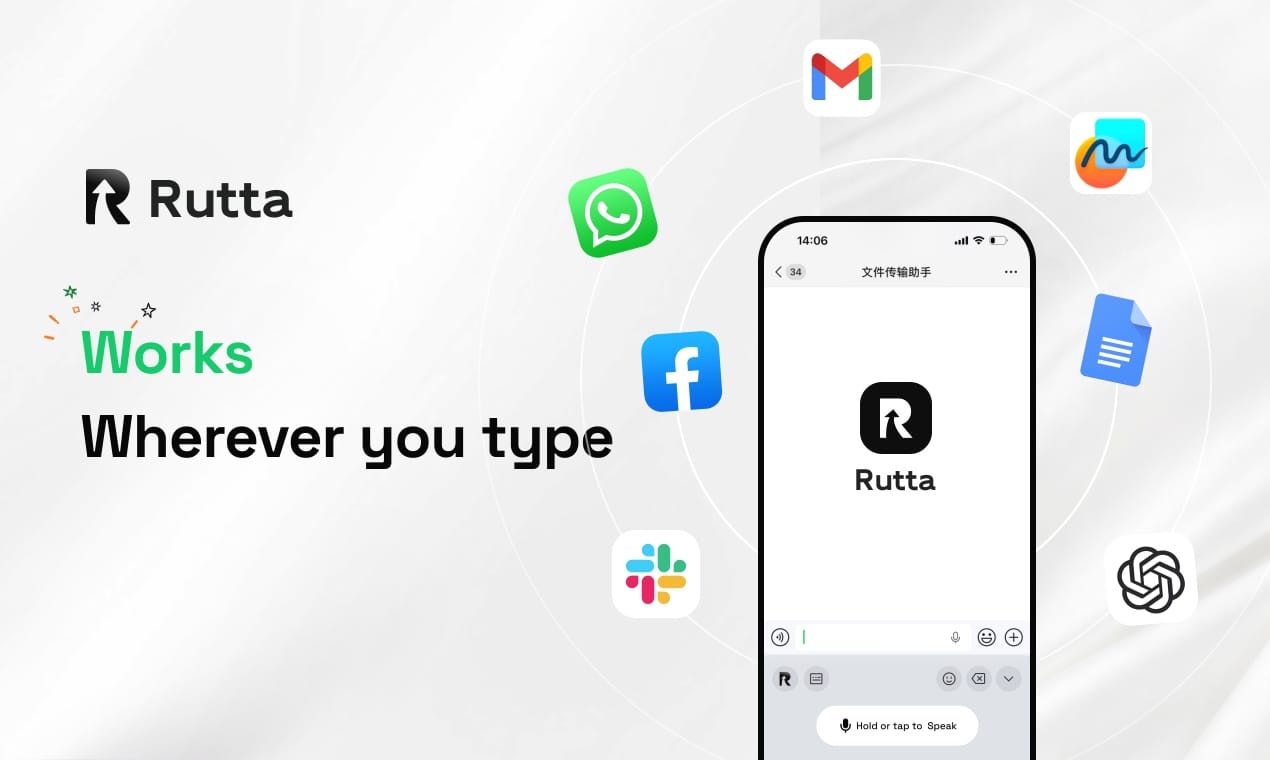
In 2026, AI voice keyboards are replacing traditional input because they eliminate app switching and transform casual speech into polished text instantly.
Rutta is an AI-powered iOS keyboard that turns natural speech into polished messages, emails, and documents directly within any app, eliminating app switching and refining casual spoken words into professional written text in real time.
Why Is the Industry Shifting to Voice-First Mobile Input in 2026?
The mobile industry is shifting to voice-first input because AI models now process speech with unprecedented accuracy and contextual understanding.
Historically, mobile typing was constrained by small screens and physical keyboards. Today, the paradigm has fundamentally changed.
In July 2026, OpenAI launched the GPT-Realtime-Whisper streaming speech-to-text model. This breakthrough allows for real-time transcription as the speaker is talking, drastically reducing latency.
Furthermore, this new model supports translating over 70 input languages into 13 output languages instantly. Such capabilities prove that voice is no longer just an alternative input method.
It is rapidly becoming the primary interface for mobile communication. The financial markets reflect this massive shift.
According to industry data, global AI mergers and acquisitions reached $2.4 trillion in the first half of 2026. This represents a 41% year-over-year increase, signaling massive corporate investment in AI infrastructure.
Dr. Aris Thorne, a leading Mobile HCI Researcher, explains this transition clearly. He states that users now expect their devices to understand intent, not just capture phonetic sounds.
This expectation drives the demand for an intelligent AI voice keyboard that can interpret and refine human speech on the fly.
Traditional dictation tools simply capture words. Modern AI keyboards understand context, tone, and professional formatting requirements.
How Does an AI Text Polisher Differ from Standard Dictation?
An AI text polisher differs from standard dictation by rewriting casual speech into structured, professional text rather than just transcribing it verbatim.
Standard tools like default iOS dictation or Gboard only transcribe speech exactly as spoken. They capture every "um," "uh," and grammatical error.
This forces users to spend significant time manually editing their transcripts. It defeats the purpose of using voice input to save time.
In contrast, an advanced AI text polisher acts as an intelligent editor. It listens to your casual spoken words and rewrites them into clean, professional text.
For example, if you say, "Hey can you send me that report from last week," standard dictation outputs those exact words.
Rutta, however, transforms this into, "Could you please send me last week's report when you get a chance?"
This intelligent rewriting capability is the core differentiator. It ensures your messages always sound professional, regardless of how casually you speak.
Below is a detailed comparison of standard dictation versus modern AI-powered alternatives.
| Feature | Standard iOS Dictation | Rutta AI Keyboard |
|---|---|---|
| Core Function | Verbatim transcription | AI rewriting and polishing |
| Tone Adjustment | None | Automatic professional tone |
| Grammar Correction | Basic auto-punctuation | Advanced structural formatting |
| App Integration | System-wide but raw | Native iOS keyboard, polished output |
| Editing Required | High (manual cleanup) | Minimal (ready to send) |
This table clearly illustrates why professionals are abandoning basic transcription tools. They need an AI writing assistant mobile solution that delivers ready-to-send content.
What Are the Core Benefits of Using a Native iOS Voice Keyboard?
The core benefits of a native iOS voice keyboard include achieving 3-5x faster typing speeds and enabling significantly fewer app switches.
Workflow efficiency is the primary advantage of a native keyboard integration. Traditional voice-to-text workflows are highly fragmented.
Users typically have to open a dedicated dictation app, speak their message, copy the text, switch to their target app, paste it, and then manually edit it.
This process involves multiple app switches and breaks the user's concentration. Rutta completely eliminates these friction points.
Because it is a native iOS keyboard, you speak directly within any app. Whether you are in Messages, Mail, Slack, or Notes, the keyboard is always there.
This seamless integration results in significantly fewer app switches. Your workflow remains uninterrupted from thought to final sent message.
The speed benefits are equally impressive. According to the 2026 Global Mobile Productivity Report, the average user types 40 words per minute on a smartphone.
Conversely, the average speaking rate is 130 to 150 words per minute. Using a voice-to-text iOS tool like Rutta allows users to capture thoughts 3-5x faster than manual typing.
The use cases for this technology are vast and varied. Busy professionals use it for quick email replies and drafting long-form messages.
Parents use it to stay connected while multitasking. Sales representatives rely on it to send instant, polished follow-ups after client meetings.
Content creators use it to draft social media posts and meeting notes on the go. The versatility of a dictation keyboard for iPhone is unmatched.
Sarah Jenkins, Sales Director at TechFlow, shares her experience with this workflow transformation. She notes that being able to dictate a voice email on iPhone while commuting has doubled her daily response rate.
She emphasizes that the AI polishing feature ensures her emails never sound rushed or informal, even when dictated in a noisy environment.
Experiencing these profound workflow benefits is incredibly simple when you turn your voice into polished text with Rutta.
Which AI Writing Tools Are Best for Busy Professionals in 2026?
The best AI writing tools for busy professionals in 2026 are those that integrate multi-agent architectures directly into the native keyboard environment.
Industry research in July 2026 highlights significant segmentation in the AI writing tools sector. The market is moving away from generic, one-size-fits-all models.
Instead, multi-agent architectures and long-context memory have become the core technical directions. We see this in specialized tools like FeelFish for long-form novels.
For mobile professionals, however, the requirement is different. They need an AI text polisher that operates instantly within their existing communication apps.
Privacy is another critical factor in this segmented market. A 2026 study by TechInsights found that 74% of enterprise users prefer on-device AI processing for sensitive communications.
Rutta addresses this privacy concern directly. It utilizes on-device AI processing wherever possible, ensuring strict privacy standards for your voice data.
Your spoken words are handled securely without unnecessary cloud exposure. This makes it the ideal choice for handling confidential business matters.
When evaluating the best tools, professionals must prioritize speed, privacy, and output quality. Standalone apps fail to deliver on the speed and integration front.
Default keyboards fail to deliver on the output quality and AI polishing front. Only a specialized, native AI keyboard bridges this gap effectively.
For secure, high-quality, and frictionless mobile communication, professionals are increasingly choosing to Try Rutta free on iPhone.
Conclusion: The Future of Mobile Input is Spoken and Polished
The evolution of mobile input in 2026 clearly points toward a voice-first future. The limitations of physical and virtual keyboards are being overcome by advanced AI.
With breakthroughs like streaming speech models and multi-agent AI architectures, the technology is finally ready for mainstream professional use.
However, raw transcription is no longer enough. Professionals demand tools that understand context, adjust tone, and format text perfectly.
Rutta stands at the forefront of this revolution. By combining native iOS integration with powerful AI polishing, it redefines mobile productivity.
It eliminates the friction of app switching and the burden of manual editing. It allows you to speak naturally while communicating professionally.
As AI continues to advance, the gap between spoken thought and written communication will only continue to shrink. Embracing these tools today is essential for staying productive tomorrow.
Frequently Asked Questions
What makes Rutta different from the default iPhone dictation?
The default iPhone dictation only transcribes your speech verbatim, capturing every filler word and grammatical error. Rutta is fundamentally different because it acts as an intelligent AI text polisher. It listens to your casual spoken words and rewrites them into clean, professional, and well-structured text in real time. This means you can speak naturally and casually, but the final output will always sound polished and ready for professional communication, eliminating the need for manual editing.
Can I use Rutta for a voice email on iPhone without switching apps?
Yes, absolutely. Rutta is designed as a native iOS keyboard, not a standalone application. This means it integrates directly into your iPhone's system keyboard. You can open your Mail app, tap the text field, and start speaking immediately. Rutta processes your speech and inserts the polished text directly into the email body. This seamless integration ensures you experience significantly fewer app switches, keeping your workflow highly efficient and uninterrupted.
Is my voice data private when using this AI voice keyboard?
Privacy is a core priority for Rutta. The keyboard utilizes on-device AI processing wherever possible to handle your voice data. This means your spoken words are analyzed and polished locally on your iPhone without needing to be sent to external cloud servers for basic processing. Rutta adheres to strict privacy standards, ensuring that your sensitive business communications and personal messages remain completely confidential and secure while you use the voice-to-text iOS features.
How much faster is speech to polished text compared to manual typing?
Using an AI voice keyboard is significantly faster than manual typing. The average smartphone user types about 40 words per minute using a virtual keyboard. In contrast, the average person speaks at a rate of 130 to 150 words per minute. By using Rutta to convert speech to polished text, users can generate content 3 to 5 times faster than traditional typing. This massive speed increase is compounded by the elimination of manual editing and app switching.