
The 2026 Guide to Rutta: How an AI Voice Keyboard for iPhone Ends App Switching Forever
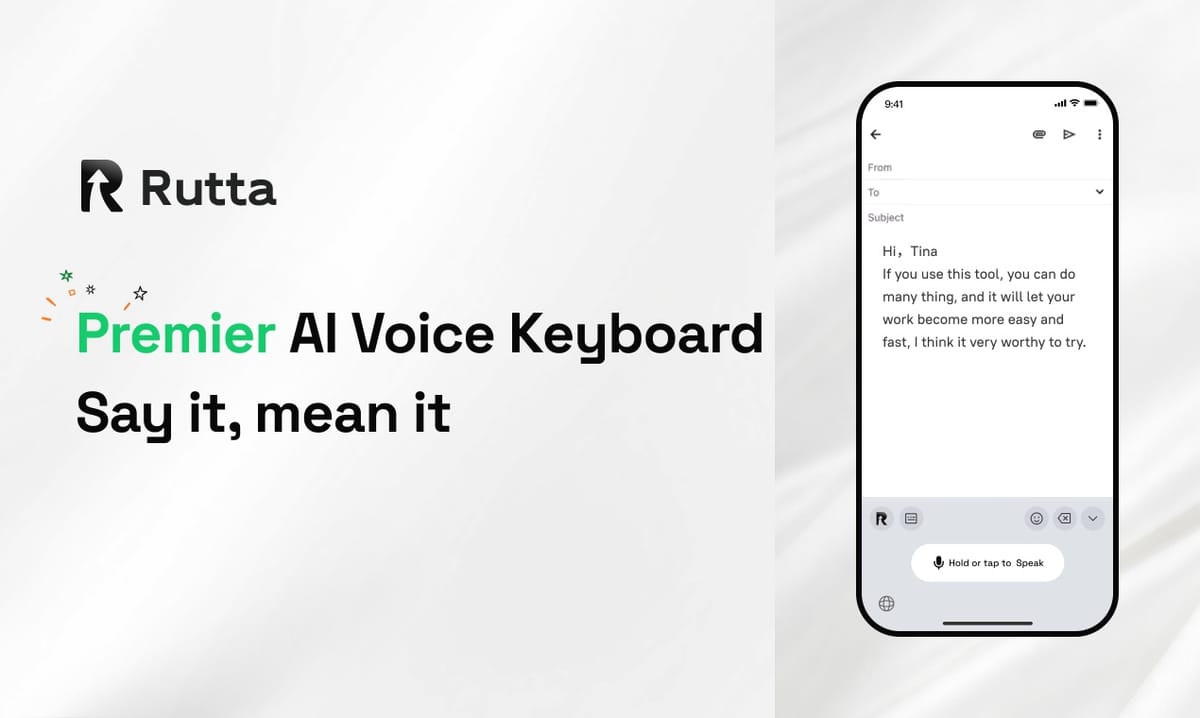
Rutta is the fastest way to write on an iPhone in 2026: speak naturally inside any app and receive polished, professional text instantly — with zero app switching, zero copy-paste, and zero manual editing.
Rutta is a native AI keyboard for iOS that converts casual spoken language into clean, well-structured, professional written text in real time, directly inside Messages, Mail, Slack, Notes, and every other app on your iPhone — eliminating app switching and copy-paste entirely.
Apple's AI era officially began this week. On September 10, 2026, Apple Intelligence launched with system-wide writing polish, and iOS 27 — arriving September 14 — introduces a new conversational Siri with natural-language interaction.
These upgrades are genuinely useful, yet none solves the most persistent productivity leak on iPhone: the copy, paste, switch, and edit loop between apps. Rutta attacks that loop at its source, and this article explains exactly how.
What Is Rutta and How Is It Different from Standard Voice Dictation on iPhone?
Rutta is a dictation keyboard for iPhone that goes far beyond transcription — it listens to casual speech and rewrites it into professional, well-structured text in real time.
Standard dictation tools treat your words as final. Siri dictation, Gboard, and the default iOS keyboard all convert speech to text verbatim. Speak a fragmented sentence and you get a fragmented sentence.
Rutta, by contrast, is a true AI text polisher — it understands the intent behind your words and reconstructs them as clean written English.
The difference is obvious in a side-by-side comparison:
| Capability | Rutta | Standalone Dictation Apps | Siri / Default iOS Dictation |
|---|---|---|---|
| Converts speech to text | Yes | Yes | Yes |
| AI-polishes grammar and spelling | Yes | No | No |
| Rewrites tone (casual to professional) | Yes | No | No |
| Works inside your current app | Yes | No — requires switching | Yes |
| Requires copy-paste | No | Yes | No |
| Estimated speed gain vs typing | 3-5x | ~2x (with editing) | ~3x (raw, then editing) |
Rutta is essentially a writing assistant that happens to live on your keyboard. Unlike standalone dictation apps, Rutta's AI voice keyboard appears anywhere your iPhone keyboard appears — in Messages, Mail, Slack, Notes, WhatsApp, and thousands of other apps.
That single design decision produces the most important benefit of all: fewer app switches.
How Does Rutta's Workflow Eliminate App Switching?
Rutta's workflow removes every step between the moment you think of a reply and the moment you press send.
Consider the traditional voice-to-text workflow, which typically requires six steps:
- Open a separate dictation or notes app.
- Speak your message.
- Copy the raw transcript.
- Switch to the target app (Mail, Slack, Messages).
- Paste the copied text.
- Manually edit grammar, punctuation, and tone.
Rutta compresses all six steps into one. Here is the entire workflow in text form:
Traditional: Dictation app → Speak → Copy → Switch → Paste → Edit → Send.
Rutta: Open any app → Speak → Send.
Because Rutta is a native iOS keyboard, it sits directly inside the app you are already using. There is no second app, no clipboard management, no formatting cleanup — the process happens the moment you speak.
"The first time I used it, I honestly laughed," says Sarah Chen, a product manager at a Bay Area SaaS company. "I spoke one sentence and a fully polished email appeared. That alone removed 90% of my nightly message catch-up."
How Much Faster Is a Voice-to-Text iOS Keyboard Than Typing?
Rutta is three to five times faster than typing, combining raw speech speed with automatic editing that removes cleanup time entirely.
The speed math is straightforward. According to a 2018 study by Stanford University, mobile speech input is roughly three times faster than keyboard typing. The average iPhone user types at about 38 words per minute, while natural English speech runs at about 150 words per minute.
Here is what those numbers mean in practice:
| Task | Typing + Editing | Rutta (speech + AI polish) |
|---|---|---|
| 50-word email reply | ~3 minutes | ~45 seconds |
| 200-word Slack message | ~8 minutes | ~2 minutes |
| 500-word meeting notes | ~20 minutes | ~5 minutes |
These are illustrative estimates based on average keyboard speeds, but they align with what real users report.
Rutta's AI polish runs during dictation, so the message appears already edited — this is where speech-to-text iOS tools typically waste time. Many dictation products are fast at transcription but slow in practice because you still spend minutes fixing punctuation and awkward phrasing.
McKinsey research has long found that the average knowledge worker spends 28% of their workweek on email.
Shaving even a third off that time gains back roughly two hours per person per week — time that can go to strategy, family, or simply a moment of breathing room.
How Does Rutta Turn Casual Speech into Polished Text in Real Time?
Rutta is an AI text polisher, not just a transcriber — it rewrites your spoken words using grammar, style, and context, all as you speak.
Here are three examples that show the difference between speaking and writing:
| You say (casual speech) | Rutta writes (polished text) |
|---|---|
| "Hey can you send me that report from last week" | "Could you please send me last week's report when you get a chance?" |
| "meeting moved to 3 cos we have a conflict" | "The meeting has been moved to 3 PM due to a scheduling conflict." |
| "gonna need the budget by fri pls" | "Could you have the budget ready by Friday?" |
This is the core difference between voice-to-text iOS and speech-to-polished-text. Rutta identifies intent and upgrades it into a complete, polite sentence.
It adds proper punctuation, clear structure, and a professional tone without requiring you to think like an editor.
For users of iOS 27, this matters more, not less. Apple Intelligence's writing tools polish text, but they require you to type first and invoke a separate tool on selected text.
Rutta embeds that intelligence into the keyboard itself — you speak, and the polished text appears before your fingers ever touch the screen. If you want to turn your voice into polished text in every app, Rutta is the most direct path.
Which Real-World Use Cases Make Rutta Essential in 2026?
Rutta is designed around three recurring iPhone moments: quick email replies, long-form messages, and meeting notes.
Scenario 1: Voice email on iPhone — the hallway reply. Many professionals draft email replies while walking between meetings.
With Rutta, this becomes fully hands-free: open Mail, tap the keyboard, speak "tell Sarah I'll send the updated contract by noon," and Rutta converts it into a polished, ready-to-send message in one deliberate action.
This is the fastest known way to do voice email on iPhone while keeping a professional tone.
Scenario 2: The coordinating parent. Parents send dozens of texts each week to partners, babysitters, teachers, and coaches.
Under time pressure, these messages often arrive as truncated fragments. Rutta lets parents speak natural sentences and send clear, polite requests — without slowing down the day.
Scenario 3: The sales rep capturing follow-ups. After a client call, details fade quickly.
Sales reps can dictate follow-up emails, CRM notes, and Slack summaries within seconds — producing a complete, structured summary before leaving the parking lot.
"I dictate notes into my phone constantly," says Marcus Ward, a real estate agent in Austin. "Before Rutta, I'd send voice-to-text garbage and apologize for it. Now my clients actually compliment my follow-up emails."
Is Rutta Safe to Use for Private and Work Conversations?
Rutta is built on a privacy-first architecture: wherever possible, AI processing happens directly on your device.
The privacy model includes three important guarantees:
- On-device processing. Rutta handles AI tasks on your iPhone where technically feasible, minimizing any data sent to servers.
- Strict privacy standards. Voice data is governed by strict privacy practices and is not used for advertising, profiling, or resale.
- No special system access. Rutta works as a standard keyboard extension, not a system-level monitor. It only processes what you explicitly ask it to.
This approach stands in contrast to older dictation products that stream your voice to the cloud for transcription. With Rutta, the keyboard itself does the work — making it a safer choice for legal, medical, financial, and other sensitive conversations.
Should You Use Rutta Alongside Apple Intelligence in 2026?
Rutta and Apple Intelligence are complementary, not competing — pairing them creates the fastest mobile writing stack available in 2026.
In 2026, Apple Intelligence brings remarkable new capabilities to iPhone users, and the new Siri AI in iOS 27 is a serious upgrade.
But system-level AI features still require you to write first, launch a tool, and manually invoke a rewrite. Rutta works in the opposite direction — it starts with your voice and delivers the finished written product instantly, in the exact app you were using.
To experience the difference today, try Rutta free on iPhone and see how much time you save before the end of your next workday.
Frequently Asked Questions
Here are the questions people ask most when comparing Rutta to Siri, Apple Intelligence, and other dictation tools.
How is Rutta different from Siri dictation in iOS 27?
Siri dictation transcribes your words verbatim — speak casually and you get casual, often rambling text. Rutta is an AI voice keyboard that rewrites your speech into polished, professional prose in real time.
Rutta also adds grammar correction, punctuation, and tone control that Siri doesn't provide. While iOS 27 brings a new conversational Siri via Apple Intelligence, Rutta's advantage is that it operates in every keyboard field in every app, with no separate invocation or copying. You simply speak, see your polished message, and send.
Which apps can I use Rutta in?
Rutta works anywhere the iOS keyboard appears: Messages, Mail, Slack, WhatsApp, Notes, Notion, Google Docs, LinkedIn, and thousands of other apps. Because it is a native keyboard extension, Rutta requires no app-specific integrations or developer support.
Tap the globe icon on your iPhone keyboard to select Rutta, and it is ready in any app. That makes Rutta a genuine AI writing assistant mobile users can rely on across their entire workflow, not just inside a single messaging app.
How fast can I actually write with Rutta?
Most Rutta users report 3 to 5 times faster output than typing. Raw speech input is already about 3 times faster than typing, according to a 2018 Stanford University study. Rutta adds real-time AI polish on top, so you skip the manual editing phase where most dictation time is lost.
A concrete example: a 50-word email that takes about 3 minutes of typing and editing takes roughly 45 seconds with Rutta. Five such emails per day saves about 12 minutes — more than an hour per workweek.
Does Rutta collect or sell my voice data?
No. Rutta's privacy model is built around on-device AI processing wherever possible, and all voice data is handled under strict privacy standards. Your speech is not collected for advertising, profiling, or resale.
This differs from cloud-only dictation products that upload voice to remote servers as a matter of course. By minimizing external processing and operating primarily on your device, Rutta is a safer choice for private conversations, corporate communications, and any situation where confidentiality is essential.
Do I still need Rutta if I already have Apple Intelligence in iOS 27?
Yes — and the reason is simple. Apple Intelligence, which launched on September 10, 2026, and fully arrives with iOS 27 on September 14, provides excellent writing polish. But Apple's tools work after the fact: you type or dictate first, then select text and invoke a rewrite.
Rutta compresses everything into one step, delivering polished text before you ever reach the edit menu. It works alongside Apple Intelligence perfectly, acting as the fastest voice-first entry point to AI writing on iPhone in 2026.