
Inside Rutta: How the 2026 AI Voice Keyboard Eliminates App Switching on iPhone
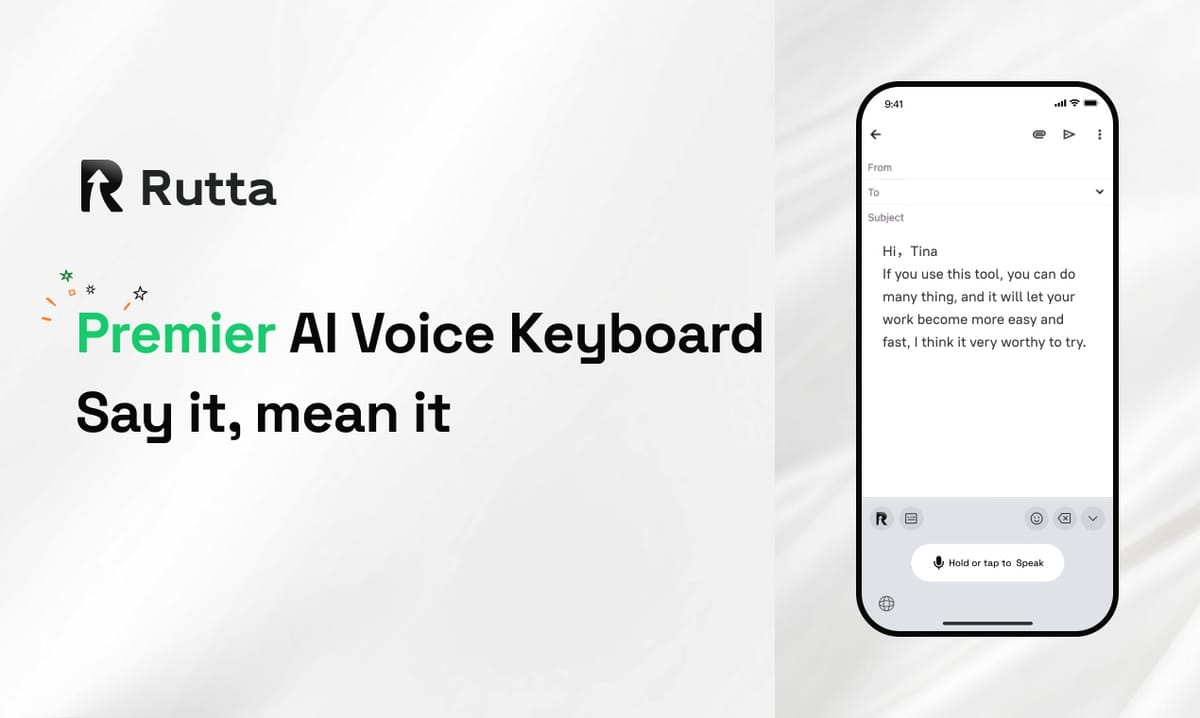
Rutta eliminates app switching on iPhone in 2026 by running a full AI text engine inside every app you already use. You speak, and polished written text appears right where your cursor sits.
Rutta is an AI-powered iOS keyboard that turns natural speech into polished messages, emails, and documents. It runs inside any app on your iPhone, refining what you say into clean written text in real time. No copy-paste required.
The timing matters. On November 5, 2026, OpenAI shipped three voice models — GPT-Realtime-Whisper for low-latency transcription, GPT-Realtime-Translate for simultaneous interpretation across 70+ input languages, and GPT-Realtime-2 for reasoning-driven voice agents. Weeks earlier, Apple added built-in AI assistants to Keynote, Pages, and Numbers. Voice is becoming the primary interface for work. The remaining question is where that voice gets polished — and on iPhone, that answer is now a keyboard.
What Makes Rutta an AI Voice Keyboard Rather Than Basic Dictation?
Rutta rewrites your speech instead of transcribing it verbatim — that single design choice separates an AI voice keyboard from every dictation tool shipped before it.
Standard voice-to-text on iOS converts sound into words. It preserves every "um," every run-on sentence, and every casual slip. You still have to edit afterward. Rutta adds an intelligent layer on top of transcription that restructures your sentence, fixes grammar, adjusts tone, and formats the result as written prose.
Here is the same thought, processed two ways:
- You say: "hey can you send me that report from last week"
- Basic dictation gives you: "Hey can you send me that report from last week"
- Rutta gives you: "Could you please send me last week's report when you get a chance?"
The difference is not cosmetic. One reads like a voice memo. The other reads like a colleague who writes well. For anyone sending 30–50 work messages a day, that gap compounds fast.
That rewriting layer is what makes Rutta's AI voice keyboard behave like an AI writing assistant mobile users can carry into Messages, Mail, Slack, Notes, or any other app with a text field.
How Does Rutta's Workflow Eliminate App Switching on iPhone?
Rutta removes five to seven manual actions from every message by functioning as a native iOS keyboard instead of a separate destination app.
Traditional voice-to-text forces a detour. You leave the conversation, open a dictation or notes app, speak, wait, select the text, copy it, switch back, paste, and then clean it up by hand. That is the workflow Rutta was built to delete.
Here is the step-by-step comparison:
Traditional voice-to-text workflow (7 steps):
- Leave the target app and open a dictation or notes app
- Speak your message
- Wait for the transcript to finish
- Select and copy the raw text
- Switch back to the target app
- Paste into the text field
- Manually fix grammar, tone, and punctuation
Rutta workflow (2 steps):
- Tap into the text field in any app and switch to the Rutta keyboard
- Speak — the polished version lands at your cursor
Multiply that difference out. A professional sending 40 messages a day saves roughly 200 manual actions daily. At an average of 3–5 seconds per action, that is 10–16 minutes returned to the day, every day, without changing how you communicate.
That is the practical meaning of fewer app switches: not a feature list, but a quieter phone.
What Does Speech-to-Polished-Text Look Like in Practice?
Speech to polished text means Rutta preserves your intent while upgrading your wording, so the message you send matches the professional you are.
The system handles three things at once: grammar and punctuation, sentence structure, and tone. It also reads context. A Slack update and a client email receive different treatment from the same spoken input.
Three real conversions:
- Quick reply in Messages. You say: "yeah sounds good let's do tuesday around 3" → Rutta writes: "Sounds good — let's plan for Tuesday around 3."
- Client email. You say: "so basically we're a little behind but we should have it finished by friday no problem" → Rutta writes: "We're running slightly behind schedule, but we expect to have this completed by Friday without issue."
- Meeting notes. You say: "okay so first thing budget second thing hiring third thing the q1 launch" → Rutta writes: "Three items on the agenda: 1) Budget, 2) Hiring, 3) The Q1 launch."
Notice that Rutta produces structure — numbered lists, clean paragraphs, correct capitalization — without you asking. That is the part most users underestimate. It is the difference between a transcript and a document.
For anyone who wants to turn your voice into polished text inside a voice email on iPhone, the entire process takes about as long as speaking the sentence.
How Does Rutta Compare to Siri Dictation and Gboard?
Rutta is the only one of the three that rewrites, formats, and adjusts tone — Siri Dictation and Gboard voice typing both stop at verbatim transcription.
| Capability | Siri Dictation | Gboard Voice Typing | Rutta |
|---|---|---|---|
| Verbatim transcription | Yes | Yes | Yes |
| AI rewriting and grammar correction | No | No | Yes |
| Tone adjustment (casual vs. professional) | No | No | Yes |
| Automatic formatting (lists, paragraphs) | No | No | Yes |
| Works inside every iOS app | Limited | Limited | Yes |
| Requires leaving the current app | Sometimes | No | No |
| Typical speed vs. manual typing | ~1.5x | ~1.5x | 3–5x |
The pattern is consistent: legacy tools solve input, Rutta solves output. If you only need words on a screen, the default keyboard is fine. If you need a message that is ready to send, the extra layer is the whole point.
Industry direction confirms this. Apple's October 2026 iWork update let users generate slides and written content without leaving the document. Rutta applies the same principle to the keyboard: the polish happens where the writing happens.
Is Rutta Private? Inside the On-Device Processing Model
Rutta processes AI on-device wherever possible and does not collect your voice data — speech stays tied to your phone, not to a training pipeline.
Privacy is not a footnote for a keyboard, because a keyboard sees everything you type and say. Rutta's architecture reflects that responsibility.
- On-device AI processing where possible. The polishing layer runs locally on your iPhone for supported operations.
- No data collection for model training. Your voice and your text are not harvested to improve someone else's model.
- No standalone app silo. Because Rutta is a keyboard, there is no separate cloud account holding a library of your dictations.
- Strict handling standards for any data that does leave the device. When cloud processing is required for heavier tasks, it is handled under explicit privacy standards rather than open-ended retention.
Compare that to the general climate. On November 4, 2026, at the World Internet Conference in Wuzhen, the China Academy of Information and Communications Technology joined Tencent, Ant Group, Alibaba, and Douyin to publish an eight-point self-discipline pact for AI agent development. Apple's own Voice Memos Studio Sound feature, launched in late October 2026, processes audio cleanup on compatible iPhones rather than in the cloud. The direction across the industry is clear: the most sensitive layer — your voice — belongs on the device.
Rutta was built with that assumption from the start.
Who Gets the Most Value From an AI Writing Assistant on Mobile?
Busy professionals, sales reps, parents, and content creators see the largest time savings, because all four groups write constantly and speak faster than they type.
Three concrete scenarios show where the workflow pays off:
1. The sales rep between calls. A field rep finishes a demo and needs to log notes, reply to two prospects, and confirm tomorrow's meeting — all inside a four-minute window. With Rutta, they speak each message into the correct app in under 30 seconds each. No switching, no cleanup. "I used to lose ten minutes a day just moving text between apps," says Marcus D., a regional sales manager. "Now the message is finished before I finish the sentence."
2. The parent replying one-handed. Holding a toddler with one arm and a phone with the other leaves exactly one thumb. Speaking a reply into Messages produces a complete, correct sentence in about eight seconds, versus roughly 40 seconds of thumb-typing with errors. That is a 5x difference on the messages that actually matter.
3. The content creator drafting on the move. Social captions, newsletter intros, and video scripts often start as spoken ideas. Rutta converts a rambling 60-second voice note into a structured draft with clean paragraphs — the raw material a creator would otherwise type out later from memory.
Across these groups, the pattern holds: the bottleneck was never thinking. It was the friction between thinking and sending.
The Bottom Line
Rutta's core feature is not voice recognition. It is the removal of a workflow that has quietly taxed every iPhone user for a decade. By living inside the keyboard instead of in a separate app, Rutta delivers speech to polished text in two steps instead of seven, applies AI rewriting that legacy dictation tools simply do not have, and keeps the sensitive processing on the device.
At 3–5x the speed of typing and with no copy-paste detour, the gain is measurable within the first day of use. Try Rutta free on iPhone and send your next message by talking.
Frequently Asked Questions
Is Rutta a keyboard or a separate app?
Rutta is a native iOS keyboard, not a standalone app. You install it once, enable it in iOS settings, and then use it inside any app with a text field — Messages, Mail, Slack, Notes, Google Docs, and others. That architectural choice is what removes the copy-paste step entirely. Instead of dictating into one app and moving the text to another, you speak directly where the message will be sent. It is the difference between a dictation tool and a complete workflow replacement.
How is Rutta different from the built-in iPhone dictation?
Built-in iPhone dictation transcribes your speech word for word. Rutta transcribes and then rewrites. It corrects grammar, restructures run-on sentences, adjusts tone for the context, and adds formatting such as numbered lists and paragraph breaks. A casual spoken phrase like "hey can you send me that report from last week" becomes "Could you please send me last week's report when you get a chance?" The transcript is the starting point, not the deliverable. That rewriting layer is what makes the output ready to send without a manual editing pass.
Does Rutta work in every app on my iPhone?
Yes. Because Rutta operates as a system-level iOS keyboard, it works in any app that accepts text input. That includes Messages, Mail, Slack, Microsoft Teams, Notion, Google Docs, Instagram, LinkedIn, and the native Notes app. You do not need per-app integrations, and there is no list of supported apps to check. If you can tap a cursor into a field and type, you can speak instead. This universal coverage is precisely what makes the app-switching problem disappear rather than just shrink.
Is my voice data safe with Rutta?
Rutta is designed around on-device AI processing wherever possible, which means supported operations run locally on your iPhone rather than in a remote data center. The company states that it does not collect your voice data for model training. Because Rutta lives in the keyboard rather than a standalone app, there is no separate cloud library of your dictations accumulating over time. Any processing that does require cloud infrastructure is handled under strict privacy standards. For a tool that sees your messages, emails, and notes, that architecture is the baseline, not a bonus.
How much faster is Rutta than typing on an iPhone?
Rutta is typically 3–5x faster than typing for the average user. The gain comes from two sources: speaking is inherently quicker than thumb-typing, and Rutta removes the editing pass that follows raw dictation. A message that takes 40 seconds to type with corrections takes roughly 8–10 seconds to speak. Add the elimination of app switching — five to seven actions per message — and a professional sending 40 messages daily recovers 10–16 minutes a day, which is over 60 hours per year returned to actual work.