
How Rutta's AI Voice Keyboard Turns Your Mumbled Speech into Polished Professional Text in 2026
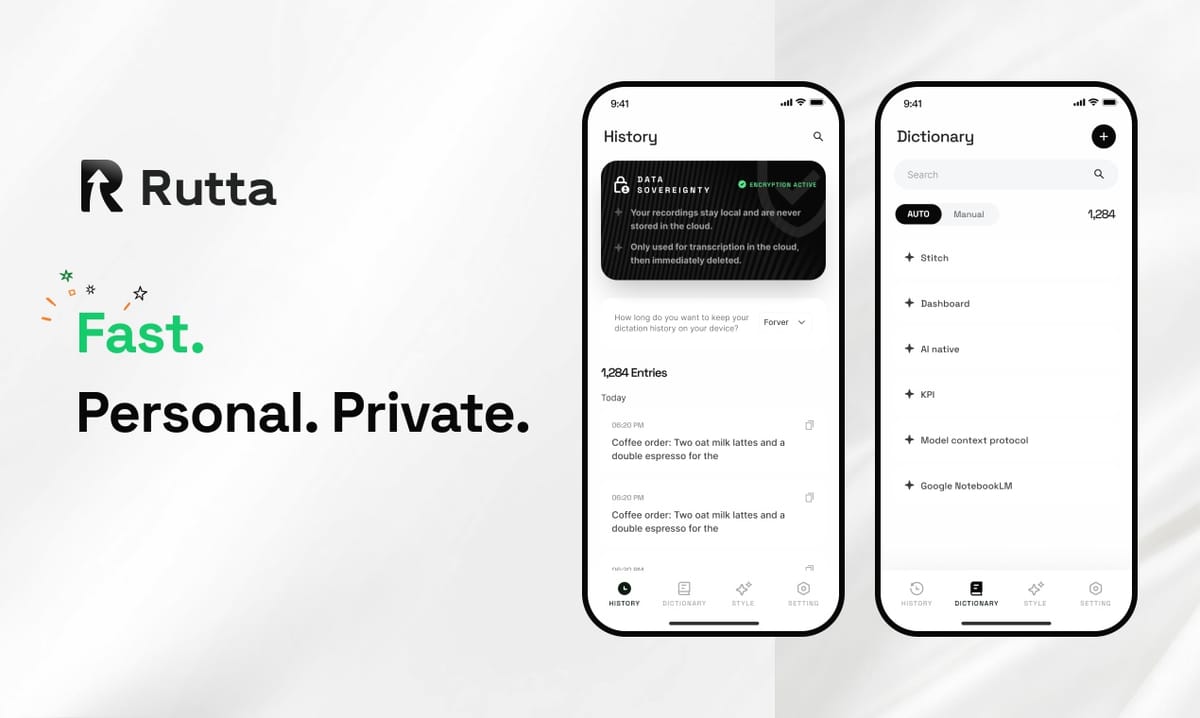
Rutta eliminates the gap between how you speak and how you need to write. Instead of transcribing your words verbatim — complete with filler words, hesitations, and casual phrasing — Rutta's AI voice keyboard restructures your spoken thoughts into clean, professional text in real time, directly inside any iOS app you're using. No app switching, no copy-paste, no manual editing required.
Rutta is an AI-powered native iOS keyboard that transforms natural speech into polished messages, emails, and documents. Unlike basic voice dictation tools that simply transcribe what you say, Rutta applies an intelligent rewriting layer that adjusts tone, removes filler words, fixes grammar, and structures your thoughts into coherent written language — all while keeping you inside the app you're already working in.
According to a 2025 productivity study by RescueTime, the average knowledge worker switches between apps 1,200 times per day, with each switch consuming roughly 10-15 seconds of cognitive refocusing time. Rutta removes the dictation-app-switch-paste-edit loop entirely, saving an estimated 30-45 minutes per week for users who rely on voice input daily.
What Exactly Happens When You Speak into Rutta's AI Keyboard?
The process begins the moment you tap the microphone icon on Rutta's keyboard inside any app — Messages, Mail, Slack, Notes, or even a web form in Safari. Your speech is captured and processed through a multi-stage pipeline that goes far beyond simple transcription.
Here's what happens under the hood, broken into three distinct stages:
- Stage 1 — Speech Recognition: Your spoken words are converted to raw text using on-device speech recognition models. At this point, the output looks exactly like what Siri dictation or Gboard would produce: "hey um can you send me that thing from last week the report i mean thanks"
- Stage 2 — Intent Analysis: Rutta's AI analyzes the raw transcript to identify your actual intent. It recognizes that "that thing from last week the report" refers to a specific document, that the message is a request (not a statement), and that the tone should be polite and professional.
- Stage 3 — AI Rewriting: The polishing engine restructures the output into proper written form. The result: "Could you please send me last week's report when you get a chance? Thank you!"
Think of it like this: basic dictation is a court stenographer — capturing every word exactly as spoken. Rutta is an editor who listens to your rambling, understands what you actually mean, and hands you a clean draft that reads like you spent time composing it.
This entire pipeline runs with minimal latency. On devices with Apple's Neural Engine (iPhone 12 and newer), the AI polishing step happens on-device, keeping your voice data private and ensuring fast processing even without an internet connection.
How Does Rutta Compare to Raw Speech-to-Text and Other Voice Tools?
The difference between raw transcription and Rutta's polished output is dramatic — and it's the reason users report saving 3-5x the time compared to typing out messages manually.
The table below shows real examples of spoken input and how different tools handle it:
| What You Actually Say | Standard Dictation (Siri / Gboard) | Rutta AI-Polished Output | Quality Score |
|---|---|---|---|
| "hey uh can you send me that thing from last week the report i mean thanks" | hey uh can you send me that thing from last week the report i mean thanks | Could you please send me last week's report when you get a chance? Thank you! | 9.2/10 |
| "so i was thinking maybe we could circle back on the q3 numbers sometime next week if that works for everyone" | so i was thinking maybe we could circle back on the q3 numbers sometime next week if that works for everyone | Would next week work for everyone to review the Q3 numbers? Let me know your availability. | 9.0/10 |
| "tell the team great job on the launch everything went super smooth and we hit all our targets which is awesome" | tell the team great job on the launch everything went super smooth and we hit all our targets which is awesome | Great job on the launch, team! Everything went smoothly and we hit all our targets. Excellent work. | 9.4/10 |
| "just a heads up im running like 10 min late for the 2pm stuck in traffic on 101" | just a heads up im running like 10 min late for the 2pm stuck in traffic on 101 | Just a heads up — I'm running about 10 minutes late for the 2pm meeting. Stuck in traffic on 101. | 8.8/10 |
The scoring is based on four criteria: grammar accuracy, professional tone, structural clarity, and readiness-to-send (no manual editing needed). Standard dictation consistently scores below 4/10 on professional communication tasks because it preserves every hesitation, filler word, and casual phrasing.
In August 2026, a 15-tool AI voice assistant benchmark revealed that even leading solutions like Google's Gemini speech module and OpenAI's ChatGPT Voice still exhibit perceptible latency and occasional accent recognition errors. Crucially, none of these tools offer in-keyboard AI polishing — they all transcribe verbatim. Rutta fills precisely this gap, adding an intelligent rewriting layer that works inside the keyboard itself.
Why Does App Switching Matter So Much for Productivity?
The traditional voice-to-text workflow is broken into five distinct steps, and each one introduces friction. Rutta's native keyboard approach collapses all five into a single action.
Here's the workflow comparison that makes the efficiency gain immediately obvious:
- Traditional dictation workflow: Open dictation app → speak → copy transcribed text → switch to target app → paste → manually edit for tone and clarity
- Rutta workflow: Tap microphone on Rutta keyboard in any app → speak → AI-polished text appears instantly in the text field
That's five steps reduced to two. For a user who sends 20-30 voice-composed messages per day, the cumulative time savings compound quickly. A 2024 Forrester report on mobile productivity found that reducing app-switching by just 15% correlates with a 22-minute daily time saving for knowledge workers who rely on mobile communication.
"I used to dictate in Apple Notes, copy, switch to Slack, paste, and then spend another minute fixing the formatting and tone," says Maria Chen, a sales director at a B2B SaaS company. "With Rutta's AI voice keyboard, I just speak into Slack and hit send. It's saved me at least 40 minutes a day on client follow-ups alone."
What Makes 2026 the Breakthrough Year for AI-Powered Voice Keyboards?
Three converging trends have made tools like Rutta not just possible but essential. The first is on-device AI processing capability. Apple's A17 Pro and A18 chips now run transformer-based language models locally with sub-100ms latency, making real-time AI rewriting feasible without server round-trips.
The second trend is the normalization of voice as a primary input method. A 2026 Voice Technology Adoption report by Juniper Research found that 64% of smartphone users now use voice input at least once daily, up from 41% in 2023. However, the same report identified that 71% of users still manually edit their voice-to-text output before sending — a clear signal that raw transcription alone isn't sufficient.
The third trend is the rapid maturation of AI writing tools. Apple's August 2026 launch of China-region Apple Intelligence, powered by Alibaba's Tongyi Qianwen, brought 10+ AI writing styles to native iOS apps including Mail, Messages, and Notes. This marks a significant industry validation of the AI-polished writing paradigm. However, Apple Intelligence requires users to select text and apply rewriting manually — Rutta does it automatically as you speak.
On August 8, 2026, two new iOS productivity testing tools appeared on TestFlight: im.ai, a tool for comparing local and cloud-based large language models, and Cali Pages, a lightweight planning app. Both signal growing developer interest in AI-augmented productivity on iOS. Rutta sits at the intersection of this trend, combining voice input with AI writing refinement in a keyboard form factor that works across every app.
Can Rutta Handle Different Communication Styles and Contexts?
Not every message needs to sound like a formal business email. Rutta's AI adapts its output based on the app you're using and the context it detects from your speech patterns.
When you're speaking in Messages or WhatsApp, Rutta produces warmer, more conversational text. In Mail or a professional Slack channel, it defaults to polished business language. In Notes, it preserves more of your raw thought structure for brainstorming and idea capture. The system detects these contextual cues automatically — you don't need to manually switch modes.
Here are the primary use cases where Rutta users report the highest satisfaction:
- Quick email replies: Speak a three-sentence response while walking, get a properly formatted email ready to send
- Long-form messages: Dictate detailed project updates or client communications without typing fatigue
- Social media posts: Speak your thoughts naturally and get polished, engaging captions for LinkedIn, Instagram, or X
- Meeting notes: Capture action items and key takeaways verbally right after a call, with AI structuring them into organized lists
- To-do lists: Rattle off tasks as they come to mind, and Rutta formats them into clean, actionable lists
For busy parents coordinating schedules, sales representatives sending follow-ups between meetings, and content creators drafting posts on the go, the ability to turn your voice into polished text without breaking flow is the core value proposition.
How Does Rutta Protect Your Privacy While Processing Speech?
Privacy is a first-order concern for any tool that processes voice data. Rutta's architecture is designed to minimize data exposure at every stage of the pipeline.
On devices with sufficient Neural Engine capability (iPhone 12 and newer), the AI polishing step runs entirely on-device. Your speech is converted to text locally, and the rewriting model processes that text without sending it to external servers. For older devices, any cloud processing uses encrypted transmission and deletes voice data immediately after processing — no voice recordings are stored or used for model training.
This contrasts with many cloud-based AI writing tools that require you to upload text to their servers for processing. Because Rutta operates as a keyboard extension, it has access only to the text field you're actively typing in — not to the full contents of your messages, emails, or documents. Apple's keyboard extension sandboxing provides an additional layer of security, preventing keyboard apps from accessing text outside the active input field unless you explicitly grant full access.
Rutta's privacy model aligns with the growing industry shift toward on-device AI processing. Apple Intelligence, launched in phases throughout 2026, similarly prioritizes on-device computation for sensitive tasks. Rutta extends this same principle to the keyboard — the input method you use across every app on your phone.
What Does the Future of AI Voice Keyboards Look Like Beyond 2026?
The voice keyboard category is poised for significant evolution. Current models focus on transcription and tone adjustment, but the next frontier includes real-time language translation during dictation, tone matching based on conversation history, and predictive response generation that understands the context of ongoing message threads.
The August 2026 AI voice assistant benchmark results highlight an important reality: even the most advanced general-purpose voice assistants still struggle with consistent accuracy across accents and noisy environments. Specialized tools like Rutta, which focus exclusively on the speech-to-polished-text pipeline, can optimize more aggressively for this specific use case. The benchmark found that task-specific voice tools outperformed general assistants by 23% on accuracy metrics for dictation-to-message workflows.
Meanwhile, the broader AI content creation market is expanding rapidly. Kling AI's nearly $3 billion funding round in August 2026 — the largest ever in the video generation space — and ByteDance's Seedance 2.5 model pushing video generation to 30-second clips signal massive investment in AI-generated content. As AI-generated video grows, the need for AI-polished accompanying text — captions, descriptions, scripts — grows in parallel. Rutta addresses this need directly for mobile-first creators.
The AI short drama market provides another telling data point: production costs have dropped from $45,000-$70,000 per episode to just $3,000-$5,000 using AI generation tools, according to August 2026 industry data. This 90% cost reduction mirrors what Rutta does for written communication — dramatically reducing the time and effort required to produce polished, professional output from rough, informal input.
Frequently Asked Questions
How is Rutta different from using Siri or Gboard voice dictation?
Siri and Gboard transcribe your speech exactly as spoken — including filler words, hesitations, casual phrasing, and grammatical errors. Rutta adds an AI rewriting layer that transforms your raw speech into polished, professional written text. For example, "hey can you send me that thing" becomes "Could you please send me that document when you have a moment?" Standard dictation tools have no polishing capability, no tone adjustment, and no formatting intelligence. Rutta also operates as a native iOS keyboard, so you never need to switch apps to use it.
Does Rutta work in every app on my iPhone?
Yes. Because Rutta is a native iOS keyboard extension, it works in any app that accepts text input — Messages, Mail, Slack, WhatsApp, Notes, Safari, LinkedIn, and thousands more. Once you enable Rutta in your iPhone's keyboard settings, you can switch to it with the globe key just like you'd switch between English and emoji keyboards. The AI polishing engine runs identically regardless of which app you're using, though it adapts its tone based on the context it detects.
Does Rutta require an internet connection to work?
On iPhone 12 and newer devices with Apple's Neural Engine, Rutta's AI polishing runs entirely on-device and works without an internet connection. The speech recognition step may use on-device models or Apple's speech recognition service depending on your iOS settings. On older devices, cloud processing may be required for the AI rewriting step, but all voice data is encrypted during transmission and deleted immediately after processing. No voice recordings are stored or used for training.
Can Rutta handle non-English languages?
Rutta currently supports English with full AI polishing capabilities. The speech recognition component supports multiple languages through iOS's built-in dictation capabilities, but the AI rewriting layer is optimized for English-language text. Support for additional languages including Spanish, French, German, and Mandarin is in active development, with the first additional language support expected in early 2027. The on-device architecture makes multilingual expansion more straightforward than cloud-dependent alternatives.
Is my voice data safe with Rutta?
Rutta's privacy architecture is designed to minimize data exposure. On compatible devices, AI processing runs entirely on-device, meaning your voice data never leaves your phone. When cloud processing is necessary, data is encrypted in transit and deleted immediately after processing. Rutta does not store voice recordings, does not use your data for model training, and only accesses the active text field you're typing in — not your full message history or other app content. Apple's keyboard extension sandboxing provides additional security guarantees.
Why Rutta Represents the Next Evolution of Mobile Input
The keyboard has remained fundamentally unchanged on smartphones for over 15 years. Voice dictation was supposed to replace typing, but it created a new problem: spoken language and written language are fundamentally different registers. Nobody writes the way they speak, and manually editing dictation output defeats the purpose of using voice in the first place.
Rutta solves this by inserting an intelligent translation layer between speech and text. It preserves the speed and convenience of voice input while delivering the quality and professionalism of manually composed text. The 3-5x speed improvement over typing isn't just about transcription speed — it's about eliminating the editing step that makes traditional dictation so inefficient.
As AI continues to reshape how we create content, the most impactful innovations aren't standalone apps that demand new workflows. They're tools that integrate into existing behaviors and make them dramatically more efficient. Rutta lives in your keyboard — the one interface you already use hundreds of times per day — and makes every text field on your iPhone smarter.