
How Rutta's AI Voice Keyboard Turns Casual Speech Into Polished Text in 2026
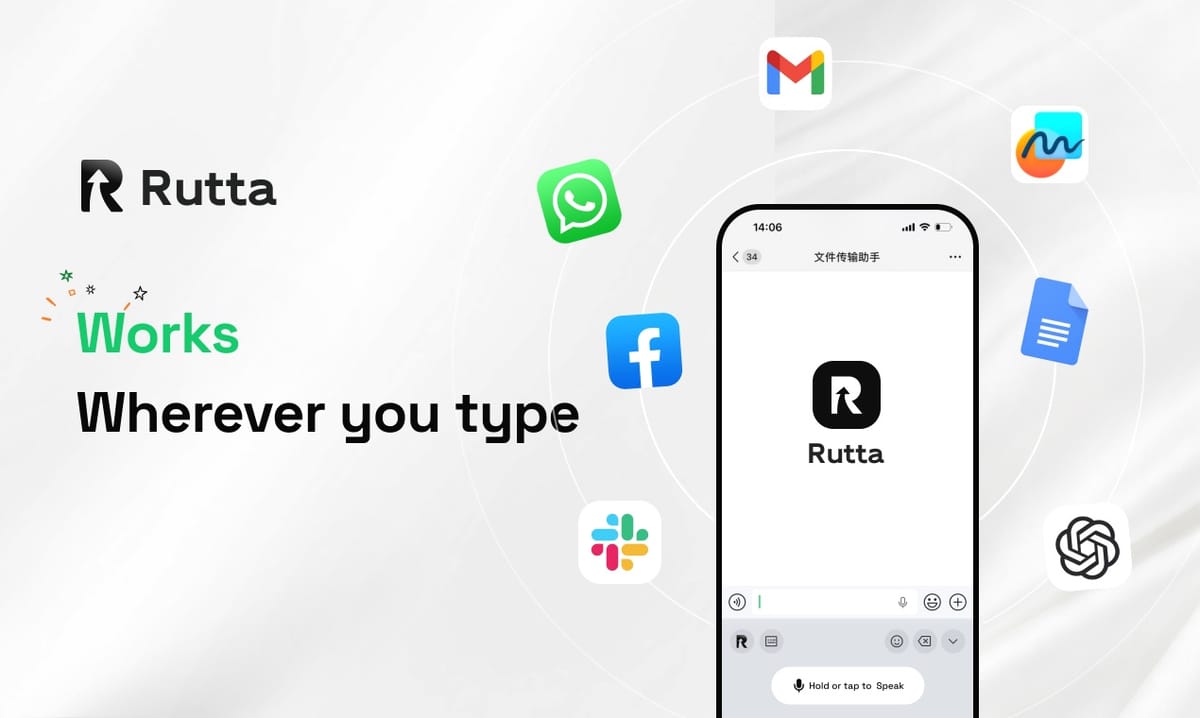
Rutta turns messy spoken words into polished, professional writing inside any iPhone app — you talk, its AI rewrites, and finished text appears right where your cursor already is. No copying, no pasting, no app switching, no cleanup pass.
Rutta is an AI-powered iOS keyboard that converts natural speech into polished messages, emails, and documents inside the app you are already using. Instead of transcribing you word for word, it rewrites your casual phrasing into clean, structured written text in real time.
This article breaks down how the technology works, how it compares with standard dictation, and why the gap between "transcribed" and "polished" is the only gap that really matters in 2026.
What Is Rutta and How Does an AI Voice Keyboard Actually Work?
Rutta is a native iOS keyboard rather than a standalone app, and that single design decision changes the entire workflow.
You enable the keyboard once. After that, you open any app on your iPhone — Messages, Mail, Slack, Notes, WhatsApp, LinkedIn — tap into the text field, and speak. Rutta's AI listens, interprets your intent, and writes a clean sentence in place. The text is already formatted, punctuated, and ready to send.
The core differentiator is simple: Rutta does not just transcribe, it rewrites. Basic dictation captures sound. Rutta captures meaning and then expresses that meaning the way a careful writer would.
Here is the transformation in practice:
- What you say: "Hey can you send me that report from last week"
- What Rutta writes: "Could you please send me last week's report when you get a chance?"
Same intent. Completely different impression. One sounds like a voice memo. The other sounds like a professional.
Compare that with the traditional voice-to-text routine, which still looks like this in 2026:
- Open a separate dictation app
- Speak your message
- Wait for the transcript
- Copy the text
- Switch to your target app
- Paste, then manually fix punctuation, filler words, and tone
Rutta's AI voice keyboard collapses all six steps into one: speak where you already are. For anyone who sends dozens of messages a day from a phone, that reduction in friction is the product.
How Does Raw Speech-to-Text Compare With AI-Polished Output?
Raw dictation and AI-polished speech differ on every quality dimension that matters to a reader, not just on accuracy.
Tools like Siri dictation, Gboard voice typing, and the default iOS keyboard are transcription engines. They are good at hearing words. They are indifferent to how those words land. Rutta adds an intelligent layer on top of transcription that adjusts tone, structure, and readability.
| Evaluation Criteria | Raw Speech-to-Text (Siri, Gboard, iOS Dictation) | Rutta's AI-Polished Output | Rutta Advantage |
|---|---|---|---|
| Filler words ("um," "like," "you know") | Transcribed verbatim | Removed automatically | +9 / 10 |
| Punctuation and capitalization | Inconsistent, often missing | Handled automatically | +8 / 10 |
| Tone adjustment (casual to professional) | None — output mirrors your raw speech | Rewrites into appropriate register | +10 / 10 |
| Structure and formatting | One undifferentiated block of text | Sentences, lists, and paragraphs as needed | +8 / 10 |
| App switching required | Often yes (separate dictation apps) | None — works inside every app | +9 / 10 |
| Manual editing per 100 words | Roughly 60–90 seconds of cleanup | Near zero for most messages | +9 / 10 |
| Send-ready quality | Usually needs a rewrite pass | Frequently sendable as-is | +8 / 10 |
| Multilingual input handling | Language-by-language, verbatim | Understands intent across languages | +7 / 10 |
The pattern is consistent. Transcription tools answer the question "what did the user say?" AI-polished tools answer a much more useful question: "what did the user mean, and how should it be written?"
Why Does Speech-to-Polished Text Save Busy People So Much Time?
Speaking is dramatically faster than typing on a phone, and the gap widens once you account for editing.
According to Aalto University's large-scale mobile typing study of more than 37,000 volunteers, the average smartphone typing speed is about 36 words per minute. Natural conversational speech, by contrast, typically runs between 130 and 150 words per minute. That is roughly a fourfold difference before any AI assistance enters the picture.
Rutta's own benchmarks put the practical gain at 3–5x faster than typing for typical business messages. The reason the number is not simply 4x comes down to editing: raw dictation saves typing time but adds correction time. AI polish removes the correction step almost entirely.
The math for a busy professional is straightforward:
- Typing a 120-word email reply: about 3 minutes, plus proofreading
- Dictating it raw: about 50 seconds, plus 60–90 seconds of cleanup
- Speaking it through Rutta: about 50 seconds, polished and ready to send
Multiply the difference across 30 to 50 messages a day and you recover somewhere between 30 and 60 minutes. That is the real value proposition — not novelty, but reclaimed attention.
"I reply to about 40 client emails a day, almost all from my phone," said Maya Ortiz, a regional sales director. "Before Rutta I was either typing slowly or sending voice-note-quality text. Now I talk for twenty seconds and send something that reads like I wrote it carefully."
What's New in AI Voice Technology in 2026?
The biggest shift in 2026 is that transcription has become a commodity, and rewriting has become the differentiator.
On October 1, 2026, OpenAI released three new audio API models: GPT-Realtime-2, which brings GPT-5-class reasoning to live voice; GPT-Realtime-Translate, which converts 70+ input languages into 13 output languages in real time; and GPT-Realtime-Whisper, a low-latency streaming transcription model. Together they push the cost and latency of accurate speech recognition toward zero.
That is excellent news for voice interfaces — and it quietly raises the bar for every voice product. If accurate transcription is free, then accuracy is no longer a feature. What matters is what happens after the words are captured.
The same pattern is playing out in writing tools. Grammarly launched its AI document editor, Docs, on October 3, 2026, with AI scoring, automatic citation generation, reader-feedback prediction, and a "humanize" rewrite mode. Every one of those features assumes the user already has text — the value is in refinement, not capture.
Rutta sits at the intersection of both trends: real-time speech capture plus an intelligent rewriting layer, delivered through a keyboard that works everywhere. To turn your voice into polished text on iPhone, you do not need a new app, an API key, or a desktop session.
Even Apple's tooling reflects the direction of travel. Xcode 27, shipped October 1, 2026, with Swift 6.4 and full iOS 27 SDK support, gives keyboard-extension developers better localization assets and modern concurrency primitives — the plumbing that makes on-device AI keyboards faster and more reliable.
Which Use Cases Benefit Most From an AI Text Polisher?
The highest-value use cases are the ones where speed matters but tone still matters just as much.
Rutta targets anyone who types on a phone daily, and the pattern repeats across very different jobs:
- Quick email replies: Respond to a client from a parking lot without sounding rushed.
- Long-form messages: Turn a rambling thought into a structured update in Slack or Teams.
- Sales follow-ups: Send a professional recap minutes after a call ends.
- Social media posts: Draft captions and LinkedIn posts that read as written, not dictated.
- Meeting notes: Capture action items as bullet points while the conversation is still fresh.
- To-do lists: Speak five tasks and get five clean, formatted lines.
Parents get a version of this too. Scheduling a pediatrician appointment, replying to a school email, and coordinating a carpool all happen one-handed. A dictation keyboard for iPhone that polishes while you speak is the difference between replying now and replying tonight.
The common thread across all of these cases is the voice email on iPhone problem: you have something to say, you have thirty seconds, and you cannot afford to sound sloppy.
Is Rutta Private? How On-Device AI Processing Works
Rutta processes as much as possible on-device and handles any voice data under strict privacy standards.
Two rules shape the architecture. First, on-device AI processing is used wherever it is technically feasible, which keeps everyday polishing fast and local. Second, when processing moves off-device, voice data is handled under defined privacy standards rather than open-ended retention.
Why does this matter practically? Because an AI writing assistant mobile users rely on lives inside their most sensitive apps — Mail, Messages, Notes, banking apps, health portals. A keyboard that sees everything you type has to earn that position. On-device processing is not a marketing line; it is a precondition for trust.
For teams evaluating tools, the practical checklist is short:
- Does the keyboard extension require full network access for basic polishing?
- Is voice data retained, and for how long?
- Can you use the product without creating an account tied to your identity?
- Is the privacy model documented in plain language?
The Bottom Line
The AI voice race in 2026 is no longer about who transcribes best. With GPT-Realtime-Whisper-class streaming transcription and Grammarly Docs-class rewriting both arriving in the same week, the industry has split cleanly into capture and refinement layers.
Rutta occupies both layers in the one place that matters most for mobile work: the keyboard. It is a native iOS keyboard, it works in every app, it eliminates app switching, and it turns casual speech into text you would actually be comfortable sending to a client.
If you type more than a few hundred words a day on your phone, the question is not whether an AI voice keyboard saves time. It is how much time you are currently losing to a workflow that still requires six steps. Try Rutta free on iPhone and hear the difference in your next message.
Frequently Asked Questions
How is Rutta different from Siri dictation or Gboard voice typing?
Siri dictation, Gboard, and the default iOS keyboard transcribe speech verbatim. They capture the words you said, including filler and false starts, without adjusting tone or structure. Rutta adds an AI polishing layer on top of transcription. You speak casually, and Rutta rewrites your words into clean, professional, well-punctuated text. The difference is most obvious in the output: raw dictation gives you a transcript, while Rutta gives you a message you can send immediately without editing.
Does Rutta require me to leave the app I'm using?
No. Rutta is a native iOS keyboard, not a standalone app. You enable it once in iOS settings, then use it inside Messages, Mail, Slack, Notes, or any other app with a text field. You speak directly into the app you are already in, and polished text appears at the cursor. This eliminates the copy-paste-switch-edit loop that traditional voice-to-text workflows require, which is where most of the time savings come from.
How much faster is speaking through Rutta than typing on an iPhone?
Rutta reports a 3–5x speed advantage over typing for typical business messages. The baseline is well documented: Aalto University's study of over 37,000 smartphone users found an average mobile typing speed of about 36 words per minute, while natural speech runs 130–150 words per minute. Raw dictation closes some of that gap but adds correction time. Rutta removes most of the correction step because the output is already polished and formatted.
Can Rutta handle professional email, or is it better for casual messages?
It is designed for both, but professional communication is where it stands out. A spoken sentence like "hey can you send me that report from last week" becomes "Could you please send me last week's report when you get a chance?" That tone adjustment happens automatically. Sales reps use it for follow-ups, managers use it for team updates, and content creators use it for captions and posts. The same engine handles short replies and long-form messages.
Is my voice data safe when I use an AI keyboard?
Rutta uses on-device AI processing wherever technically possible and handles voice data under strict privacy standards. This matters because a keyboard sees everything you type across Mail, Messages, and Notes. Before adopting any AI voice keyboard, check whether it requires network access for basic polishing, whether voice data is retained, and whether the privacy model is documented in plain language. Rutta's approach is built around local processing first, with clear handling rules for anything that cannot run on-device.