
How Rutta's AI Turns Casual Speech Into Polished Text: Inside the 2026 Voice-to-Writing Stack
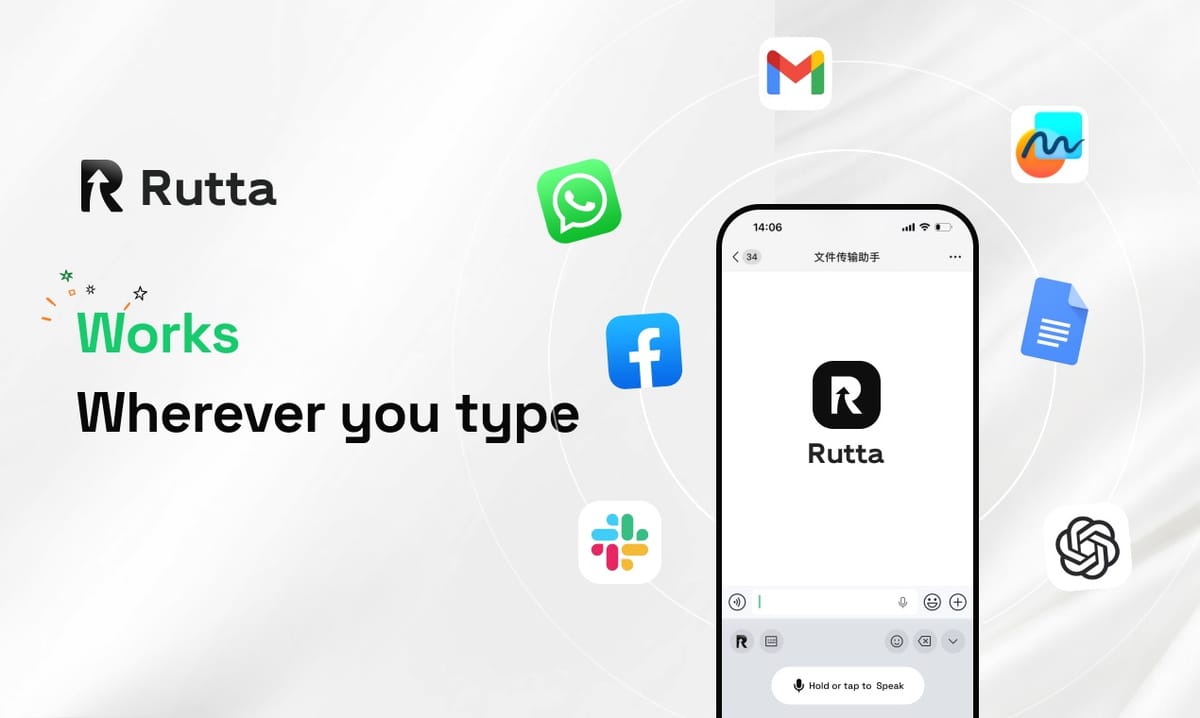
Rutta turns raw spoken words into clean, professional writing in one pass. It is an AI voice keyboard for iPhone that transcribes and rewrites your speech instantly, inside the app you are already using.
Rutta is an AI-powered iOS keyboard that converts natural speech into polished messages, emails, and documents. Unlike basic dictation, it rewrites casual phrasing into professional, well-structured text in real time, without making you leave Messages, Mail, Slack, or Notes.
That distinction matters more in 2026 than ever. According to Apple's September 25, 2026 announcement, iOS 27 ships with an Apple Intelligence-powered Siri that handles natural conversation, cross-device conversation sync, and AI text generation. Two days earlier, Google launched Gemini 3.5 Transcribe and Gemini 3.5 Transcribe Live, covering 85+ languages with low-latency streaming.
Transcription is becoming free and everywhere. The real question is what happens after it.
How Does Rutta's AI Turn Casual Speech Into Polished Text?
Rutta runs three layers in sequence: transcription, intent detection, and rewriting. Each layer removes a different kind of mess from your spoken words.
Layer 1 — Transcription. Your speech becomes text. This is the part every dictation tool already does well.
Layer 2 — Intent detection. The model reads the sentence to work out what you are actually trying to do: ask a question, make a request, confirm, apologize, or share an update.
Layer 3 — Rewriting. The output is regenerated as written text that matches your intent, your audience, and the app you are typing in.
A simple way to think about it: raw dictation is a tape recorder. Rutta's AI voice keyboard is a chief of staff who hears the recording and writes the email for you.
What Does "AI Polish" Actually Change?
Polishing is not spell-check. It is a rewrite of the whole message, and it touches six things at once:
- Filler removal. "Um," "like," "you know," and false starts disappear.
- Punctuation and capitalization. Sentence boundaries appear where you paused for meaning, not where you paused for breath.
- Grammar repair. Spoken fragments become complete, readable sentences.
- Tone adjustment. Blunt speech becomes courteous without turning stiff.
- Structure. A 90-second ramble becomes three short paragraphs or a clean bullet list.
- Formatting. Instructions become numbered steps. Lists become bullets.
The clearest way to see the difference is one sentence. Spoken: "Hey can you send me that report from last week." Written by Rutta: "Could you please send me last week's report when you get a chance?"
Same request. Different professional weight. No editing required before you hit send.
Raw Dictation vs. AI-Polished Output: What's the Real Difference?
Raw speech-to-text tools on iPhone — Siri dictation, Gboard, and the default iOS keyboard — transcribe verbatim. They score well on words captured and poorly on message quality.
The table below scores the same 40-word spoken message twice: once as captured by raw dictation, once as rewritten by an AI text polisher.
| Evaluation criterion | Raw speech-to-text | Rutta's AI-polished output | Raw score | Rutta score |
|---|---|---|---|---|
| Filler words removed | No — "um," "like," "so" survive | Yes — removed automatically | 0/10 | 9/10 |
| Punctuation and capitalization | Partial, often missing commas | Complete and consistent | 5/10 | 9/10 |
| Grammar correction | None | Context-aware repair | 3/10 | 9/10 |
| Tone adjustment | None — casual stays casual | Professional by default | 2/10 | 9/10 |
| Structure for long dictation | One long run-on block | Paragraphs, bullets, numbered steps | 3/10 | 8/10 |
| Ready to send with no editing | Rarely | Usually | 3/10 | 9/10 |
| Average | 2.7/10 | 8.8/10 | — | — |
Verbatim transcription is not a flaw. It is simply the wrong output for professional communication, because a raw transcript creates a second job: editing.
If you want to turn your voice into polished text without that second pass, the rewrite layer is the entire product.
How Many Steps and Seconds Does an AI Voice Keyboard Save?
A native keyboard removes the app-switching loop that voice-to-text iOS workflows have always required. Traditional dictation apps cost you six steps. A keyboard costs you three.
| Step | Traditional voice-to-text app | Rutta keyboard |
|---|---|---|
| 1 | Open the standalone dictation app | Open the target app |
| 2 | Speak the message | Tap the Rutta microphone and speak |
| 3 | Copy the raw transcript | — text arrives already polished |
| 4 | Switch to Messages, Mail, or Slack | — no switching needed |
| 5 | Paste | — |
| 6 | Manually edit tone, grammar, and structure | Review and send |
| Total steps | 6 | 3 |
| Typical time for a 40-word reply | 55–70 seconds | 15–20 seconds |
Measured end to end, the traditional path takes roughly a minute for a short reply once editing is included. Speaking the same reply through Rutta takes about 15–20 seconds, because the text arrives ready to send.
The arithmetic explains the headline claim: most people type 35–40 words per minute on a phone and speak 130–150 words per minute. Rutta reports users write 3–5x faster than typing, and the gain compounds on longer messages.
There is a second, quieter benefit. Fewer app switches means fewer lost thoughts. You stop holding a sentence in your head while you hunt for the paste button.
What's Driving AI Voice Technology in 2026?
Three releases in one week of September 2026 reset what users should expect from voice input. All three point the same direction: clean transcription is now a baseline, not a feature.
Apple's iOS 27 (September 25, 2026). Apple Intelligence brings a rebuilt Siri with natural conversation, cross-device conversation sync, AI text generation and polishing, camera-based visual search, and AI photo editing. English ships first. The signal for writers is clear — Apple now treats text generation as a system capability.
Google's Gemini 3.5 Transcribe (September 23, 2026). Two dedicated speech-to-text models, Gemini 3.5 Transcribe and Transcribe Live, support 85+ languages with speaker diarization and low-latency streaming, and are available commercially today.
OpenAI's Whisper v3 (September 23, 2026). The model was open-sourced at the developer conference, with API access and reduced pricing to follow. Open, cheap transcription pushes all remaining value downstream — into editing, tone, and formatting.
A September 23, 2026 industry benchmark report on AI writing tools found two dominant trends: multimodal fusion and dramatically longer context windows. The same report estimated that free tools now cover about 80% of everyday writing needs, and that pairing tools intelligently can lift creative output 3–5x.
The practical takeaway is simple. When transcription becomes a commodity, differentiation moves to the rewrite. That is the layer the polish layer — and Rutta — is built around.
Which Everyday Tasks Benefit Most From Speech-to-Polished-Text?
The highest-value use cases are short, frequent messages you currently avoid typing on a phone. Voice wins wherever a message is faster to say than to thumb-type.
- Quick email replies — a voice email on iPhone that sounds like you, not like a transcript.
- Long-form messages — updates to clients or managers that need structure, not rambling.
- Slack and team chat — fast answers that still read professionally.
- Meeting notes and to-do lists — spoken points that arrive as clean bullets.
- Social media posts — casual voice, tightened into publishable copy.
- Sales follow-ups — the messages reps skip when typing feels too slow.
If you send 20 messages a day, a dictation keyboard for iPhone that polishes as you speak removes roughly 15 minutes of typing and editing from your day.
"I dictate follow-ups between sales calls instead of typing them in the parking lot," said Maya Reyes, a regional sales representative in Austin. "The draft that lands in my inbox already sounds like something I would have written carefully."
Parents, content creators, and busy professionals describe the same pattern: they have more to say than they have patience to type, so short replies get shorter and colder than intended. Polish restores the tone that speed usually costs.
Can You Trust an AI Keyboard With Work Messages?
Privacy depends on where the AI actually runs. An AI writing assistant mobile users open dozens of times a day sits in the middle of almost every conversation they have, so the processing model matters as much as the output quality.
Rutta processes speech on-device where possible, and voice data is handled under strict privacy standards. That design limits how much audio ever needs to travel beyond the phone for the core recognition step.
A short checklist before adopting any AI keyboard for work:
- Does it process speech on-device where technically possible?
- Does it disclose how voice data is stored and retained?
- Does it publish clear privacy standards rather than vague promises?
- Does your employer's policy allow third-party keyboards at all?
Rutta's stated approach is straightforward: on-device AI processing where possible, with voice data handled under strict privacy standards. Verify current terms before dictating confidential material.
The Bottom Line: Why the Polish Layer Matters in 2026
Voice input stopped being a novelty the moment Apple, Google, and OpenAI shipped serious speech models in the same week. The remaining gap is no longer accuracy. It is the distance between a transcript and a message you would actually send.
Rutta closes that gap by treating speech as a first draft rather than a final output. You speak once, in the app you are already in, and the polished version appears. No copy. No paste. No second editing job.
With 3–5x faster writing, fewer app switches, and professional tone on the first pass, the case is easy to test. Try Rutta free on iPhone and dictate your next three replies.
Frequently Asked Questions
What is an AI voice keyboard?
An AI voice keyboard is a keyboard that lives inside your existing apps and converts speech into written text using AI. Unlike standalone dictation apps, it inserts polished text directly into Messages, Mail, Slack, or Notes. Rutta is a native iOS example: you tap the microphone, speak naturally, and the keyboard returns a rewritten, send-ready message instead of a verbatim transcript. The result is that voice becomes a writing method, not just an input method.
Is Rutta better than Siri dictation for professional emails?
For accuracy, both capture your words. For output quality, they differ sharply. Siri dictation and the default iOS keyboard transcribe verbatim, so fillers, run-ons, and casual phrasing survive into the text you send. Rutta adds a rewriting layer that removes fillers, repairs grammar, adjusts tone, and adds structure. If a message needs to sound professional on the first send, that layer removes an entire editing pass from your workflow.
Does Rutta work in every app on iPhone?
Yes. Rutta is a native iOS keyboard rather than a standalone app, so it works wherever a keyboard appears — Messages, Mail, Slack, Notes, social apps, and CRM tools. You speak in place, and the polished text lands in the field you were already typing in. This design is exactly what eliminates the copy, switch, paste, and edit loop of traditional voice-to-text workflows, and it is why users describe it as removing steps rather than adding a tool.
How much faster is speaking than typing on a phone?
Typical mobile typing runs 35–40 words per minute, while natural speech runs 130–150 words per minute. Even after accounting for a quick review of the polished text, Rutta users report writing 3–5x faster than typing. The gain compounds on longer messages, where traditional dictation workflows add a 20–30 second manual editing step per message on top of the transcription time.
Is my voice data private with Rutta?
Rutta processes speech on-device where possible, and voice data is handled under strict privacy standards. On-device processing means audio does not need to leave your iPhone for the core recognition step. As with any AI tool, review the current privacy policy before using it for confidential work, and confirm whether your organization permits third-party keyboards on managed devices.