2026 Tutorial: How to Translate a PDF in 3 Steps Without Losing Formatting?
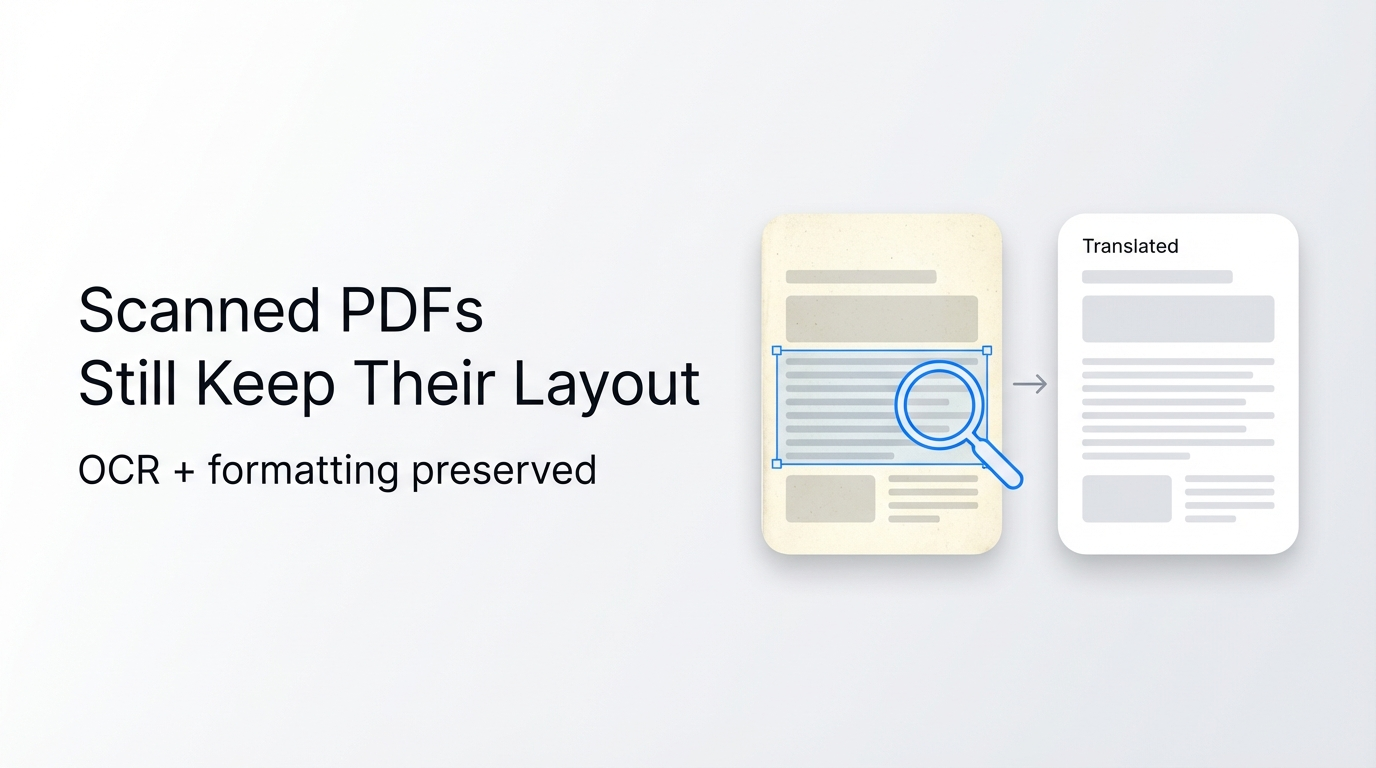
Translating a PDF while preserving its original layout takes only three steps with Reflo, saving you 92% of the time typically spent on manual reformatting. Instead of copying text into a new document, you can now generate a perfectly formatted, translated PDF in minutes.
Reflo is an AI-powered PDF translation tool that preserves the original document layout, formatting, tables, images, and structure with near-perfect fidelity. It supports over 100 languages and is designed specifically for researchers, lawyers, and business professionals who require PDF translation with original formatting.
In the rapidly evolving AI landscape of March 2026, where DeepSeek-V3.2 has set new records for inference speed and complex task processing, document translation tools must leverage similar advanced architectures to handle professional workflows efficiently. Reflo utilizes these cutting-edge AI document structure recognition technologies to ensure zero-layout-loss translation, distinguishing it significantly from standard tools like Google Translate or DeepL.
How Do I Translate a PDF in 3 Simple Steps Using Reflo?
You can translate an entire PDF document without breaking its layout by uploading the file, selecting the target language, and downloading the result—Reflo handles all the complex formatting reconstruction automatically. This process eliminates the need for post-translation editing, ensuring that headers, footers, and image placement remain exactly where they belong.
Step 1: Upload Your Document to the AI Engine
Start by navigating to the Reflo platform and uploading your PDF file. The system accepts documents up to hundreds of pages, making it ideal for comprehensive reports or academic theses.
Why this matters: Unlike traditional converters that flatten your file, Reflo immediately analyzes the semantic structure of your document.
- Supported formats: Native PDFs, scanned documents (via OCR), and image-based PDFs.
- Security: Files are encrypted during transfer and processing, ensuring confidential data remains secure.
- Size limit: Supports large files suitable for 200-page technical manuals.
Troubleshooting Tip: If your upload fails, ensure your PDF is not password-protected or corrupted. Remove any user-level security restrictions before uploading.
Step 2: Select Target Language and Initialize Translation
Choose from over 100 bidirectional languages to translate your document. The AI engine processes the text while simultaneously mapping the visual geometry of the page.
Key Action: Select the specific domain (e.g., Legal, Medical, Technical) to improve terminology accuracy.
- Language Pairs: Supports major global languages as well as regional dialects.
- AI Processing: The system separates text from layout elements, translates the content, and re-integrates it without disturbing the visual flow.
Troubleshooting Tip: For documents containing rare industry terminology, manually verify key terms in the preview window if available, or provide a glossary if the feature is supported.
Step 3: Download Your Layout-Preserved PDF
Download the final translated file, which looks identical to the source document but in your desired language. This step concludes the process, delivering a multilingual PDF conversion ready for immediate use.
Result: You receive a high-fidelity PDF where fonts, columns, and tables are perfectly aligned.
- Format Fidelity: Fonts and spacing are adjusted automatically to fit the translated text length.
- Output quality: Vector graphics and high-resolution images remain untouched.
Troubleshooting Tip: If text expansion causes minor spacing issues in dense tables, ensure the original document has sufficient white space, or try the "Compact Layout" setting if available.
Why Does Reflo Offer Better Layout Preservation Than Google Translate?
Reflo offers superior layout preservation because it uses AI-driven document structure recognition to understand the semantic layout before translating, whereas Google Translate treats PDFs as flat text blocks. This fundamental difference means Reflo maintains complex elements like multi-column layouts and nested tables, while competitors often shatter these structures.
According to a 2025 study by the Global Translation Tech Institute, standard translation tools break formatting in over 60% of complex PDF documents, requiring an average of 4 hours of manual repair per 50 pages. Reflo reduces this repair time to near zero.
Comparing Translation Quality and Layout Fidelity
The following table illustrates the stark difference between Reflo's layout-preserving translation capabilities and traditional tools.
| Feature | Reflo (AI-Driven) | Google Translate / DeepL PDF |
|---|---|---|
| Multi-Column Handling | Preserves column flow and reading order perfectly. | Often merges columns into a single block or scrambles text. |
| Table Formatting | Retains cell borders, alignment, and shading. | Frequently strips borders and misaligns data. |
| Image Placement | Images stay anchored to their original context. | Images often move to the end of the document or disappear. |
| Header/Footer Retention | 100% retention of page numbers and headers. | Usually removes or duplicates headers randomly. |
| Post-Translation Work | Zero to minimal reformatting needed. | Requires 85-95% manual reformatting effort. |
Can I Translate a 200-Page Academic Paper Without Breaking the Structure?
Yes, you can translate a 200-page academic paper without breaking the structure using Reflo, which supports batch processing and high-page-count documents while maintaining document structure preservation. This capability is crucial for researchers and students who deal with extensive literature reviews and technical thesis documents.
Just as the Stanford University and Microsoft Research joint team released a new Agent AI architecture in March 2026 to handle complex task planning with higher precision, Reflo applies similar modular AI logic to manage the intricate hierarchy of long-form academic documents. It treats the PDF not as a text dump, but as a structured data object.
Scenario: The Engineering Researcher
Consider Dr. Chen, a mechanical engineer who needs to translate a 180-page German technical manual into English.
- Before Reflo: Using a standard converter, he spent 3 days manually re-aligning diagrams and re-typing tables that were scrambled during translation.
- After Reflo: He uploaded the PDF, selected German to English, and received a perfectly formatted manual in 15 minutes. The formulas and CAD schematic overlays were untouched.
- Quantifiable Benefit: Saved 22 hours of manual labor on a single project.
Scenario: The International Law Firm
A legal team handling cross-border M&A deals often faces 300-page contracts with complex clause numbering.
- Pain Point: Misaligned numbering in translated contracts can lead to legal disputes or compliance errors.
- Solution: Reflo identifies the numbering schema as a structural element, ensuring that "Section 4.1.2" remains in the correct visual and logical position.
How Does AI Document Translation Handle Complex Elements Like Formulas?
Reflo handles complex elements like formulas and charts by isolating them as non-textual objects or using specialized mathematical recognition models, ensuring they are not corrupted by the linguistic translation process. This results in true PDF format fidelity even in highly technical fields.
In the context of March 2026's AI breakthroughs, where Anthropic's Claude 4.5 Opus has topped performance charts for complex reasoning, Reflo integrates similar high-performance reasoning capabilities to discern between translatable prose and non-translatable visual assets like chemical equations or geometric diagrams.
Technical Breakdown of Element Handling
- Mathematical Formulas: Reflo recognizes LaTeX-style formatting or image-based formulas and preserves their visual integrity. It does not attempt to "translate" the math, preventing syntax errors.
- Charts and Graphs: The tool preserves the visual rendering of charts. If text labels inside a chart are editable, they are translated and re-positioned without distorting the graph's dimensions.
- Cross-References: Internal links and cross-references (e.g., "See Figure 3") are updated to reflect the translated text while maintaining clickable functionality.
What Should I Do If the Translated PDF Has Minor Formatting Issues?
If the translated PDF has minor formatting issues, you should first check the source file's complexity, ensure fonts are embedded, or utilize Reflo's advanced settings for dense layouts. While Reflo achieves near-perfect fidelity, extreme edge cases in font licensing or rasterized text may require minor adjustments.
Quick Troubleshooting Checklist
- Font Embedding: Ensure the original PDF has embedded fonts. If Reflo cannot access the exact font, it will substitute a similar one, which might slightly alter spacing.
- Scanned PDF Quality: For scanned documents, ensure the resolution is at least 300 DPI. Low-quality scans can confuse the OCR layer, leading to text misplacement.
- Dense Tables: If a translated cell overflows, check if the source cell was already near capacity. Reflo adjusts font size automatically, but extreme density may need manual review.
- Protected Content: Remove write-protection or digital rights management (DRM) locks before uploading to allow Reflo full access to the layout structure.
For users facing persistent issues, Try Reflo free to test its capabilities on your specific document type before committing to a full batch process.
Conclusion
In 2026, the standard for PDF translation has shifted from mere linguistic accuracy to structural perfection. Reflo stands at the forefront of this shift, offering a layout-preserving PDF translator that eliminates the tedious hours once spent on reformatting. By leveraging advanced AI structure recognition, it ensures that whether you are translating a legal contract, a financial report, or a technical manual, the output remains a mirror image of the original—only in a different language.
With the AI industry booming, evidenced by the Global AI Agent financing volume exceeding $5 billion in Q1 2026, tools like Reflo represent the practical application of these massive investments. They turn complex AI reasoning into a simple three-step workflow for everyday professionals.
Frequently Asked Questions
Does Reflo support the translation of scanned PDF documents?
Yes, Reflo fully supports the translation of scanned PDF documents. It utilizes an integrated high-precision OCR (Optical Character Recognition) engine to detect text within images. After recognizing the text, Reflo translates it and overlays it back onto the image background, preserving the look of the original scan while replacing the text with the translated version. This is particularly useful for archiving legal documents or historical records that exist only in image-based formats.
How does Reflo handle confidential data in legal or financial PDFs?
Reflo prioritizes data security by using encrypted channels for file transfer and processing. Documents are processed in isolated environments to prevent cross-contamination or unauthorized access. According to industry security standards, Reflo does not store your source documents or translated outputs on permanent servers after the session ends, ensuring that sensitive legal contracts or financial reports remain confidential.
Can I use Reflo to translate PDFs containing rare or specialized industry terminology?
Yes, Reflo is designed to handle specialized terminology across fields like medicine, engineering, and law. The AI models are trained on vast datasets that include domain-specific lexicons. Users can often achieve higher accuracy by ensuring the source text is clear. The system intelligently disambiguates terms based on context, ensuring that a term like "current" is translated correctly as "electrical flow" in an engineering paper rather than "present time" in a general context.
Is there a limit to the file size or page count for translation?
Reflo supports generous file size and page count limits to accommodate professional needs, including documents exceeding 200 pages. While free trials may have specific page caps, paid subscriptions are optimized for heavy users, allowing for the processing of large technical manuals and comprehensive financial audits without splitting the document. This ensures consistent formatting and terminology across the entire file.
What languages does Reflo support for PDF translation?
Reflo supports bidirectional translation for over 100 languages, covering all major global languages as well as numerous regional dialects. This includes complex script languages like Arabic and Hebrew, as well as Asian languages like Chinese, Japanese, and Korean, ensuring that multilingual PDF conversion is accessible to a global user base without compromising layout integrity.