
2026 How to Write Emails 3x Faster on iPhone Using Rutta Voice Keyboard
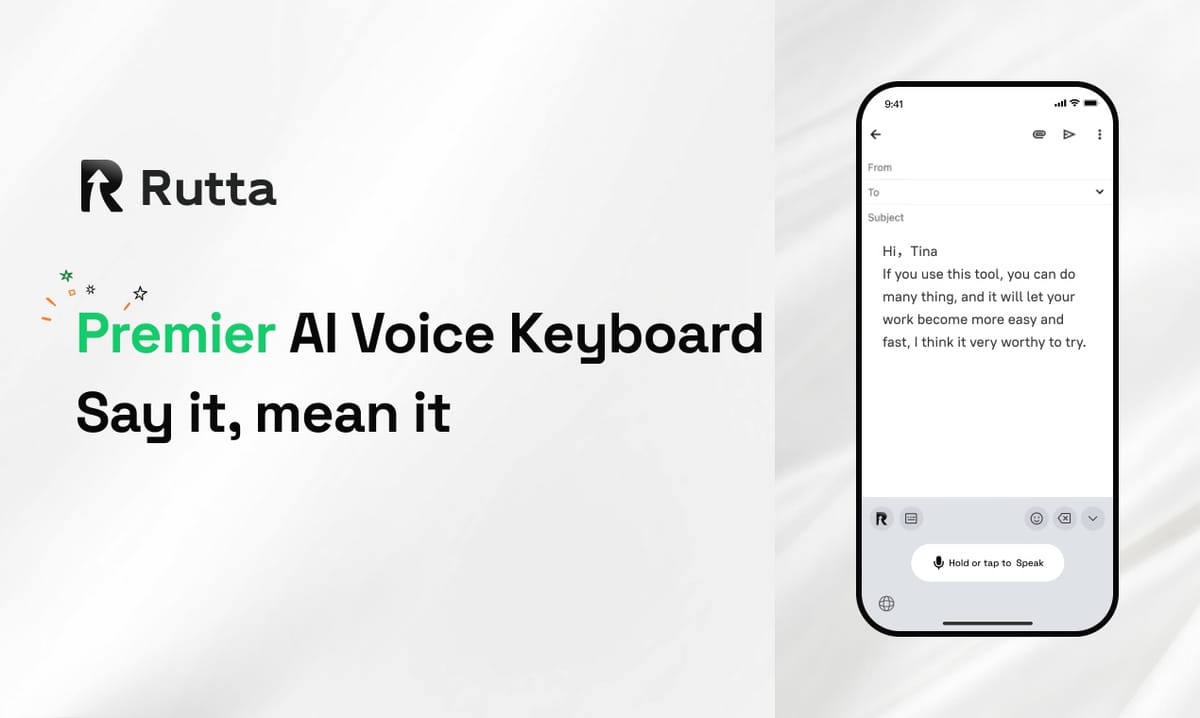
Writing emails on iPhone doesn't have to eat up your whole morning. With Rutta's AI voice keyboard, you can compose polished, professional emails up to 3x faster by simply speaking — right inside Mail, with no copy-paste, no app switching, and no manual rewriting.
Rutta is an AI-powered iOS keyboard that turns natural speech into polished, professional messages in real time. Unlike basic voice dictation, Rutta's AI rewrites your casual spoken words into clean, well-structured written text — all without ever leaving the app you're in.
This guide covers why mobile email is still slow in 2026, how Rutta works, a step-by-step setup, and real time-saving data you can verify yourself.
Why Is Typing Emails on iPhone Still Slow in 2026?
The average person types 30–40 words per minute on a smartphone keyboard, while natural speech clocks in at 150 words per minute. That gap is the core reason email writing on mobile feels so painfully slow.
Despite the rise of AI assistants, the fundamental bottleneck hasn't changed: you still need to get polished text from your head onto the screen. A 2025 study by the Radicati Group found that the average business user sends 40 or more emails each day. If each takes only three minutes to type on a phone, that adds up to two hours a day spent just on email input.
The week of September 19, 2026, Apple pushed a major Apple Intelligence update that brought features like real-time grammar checking and writing style matching to Siri and iPhone. OpenAI, meanwhile, plugged ChatGPT directly into Microsoft Word. Both moves signal that AI-assisted writing is now a mainstream expectation in 2026.
But here's the irony: most of these AI features live in desktop apps or separate chat windows. On iPhone, you still need a voice-to-text iOS solution that works inside the app where the email already lives. That's exactly the gap Rutta fills.
How Does Rutta Turn Speech into Polished Email Text?
Rutta works as a native iOS keyboard — not a standalone app — so you speak directly in Mail, Slack, Messages, Notes, or any other app, and its AI polishes your speech into clean text in real time.
A traditional voice-to-text workflow forces you to:
- Open a separate dictation app
- Speak your message
- Copy the raw transcription
- Switch to your email app
- Paste the text
- Manually fix grammar and tone
Rutta eliminates nearly all of those steps. You switch to the Rutta keyboard, tap the microphone, speak naturally, and watch the AI transform raw speech into a polished draft. That speech-to-polished-text pipeline is the heart of the product, and it's exactly why the workflow results in fewer app switches than traditional mobile dictation.
The AI polish is the real differentiator. Rutta doesn't just transcribe your words verbatim; it rewrites them for tone, structure, and clarity. For example:
- Before: "hey can you send me that report from last week"
After: "Could you please send me last week's report when you get a chance?" - Before: "team meeting moved to 3pm tomorrow don't forget"
After: "Hi everyone, a quick note — tomorrow's team meeting has been moved to 3:00 PM. Please update your calendars accordingly." - Before: "i won't make the call tuesday can we reschedule"
After: "I won't be able to join the call on Tuesday. Would it be possible to reschedule?"
This makes Rutta an effective AI text polisher on mobile, comparable to what ChatGPT in Word now does on desktop — but built directly into your iOS keyboard.
Privacy is handled with strict standards. Rutta relies on on-device AI processing where possible, and voice data is managed with a privacy-first approach.
How to Write Emails 3x Faster on iPhone Using Rutta: Step-by-Step
Setting up Rutta takes less than two minutes, and the workflow that follows helps you write emails at the speed of thought — with professional polish on every sentence.
Step 1: Install and enable the Rutta keyboard. Download Rutta from the App Store, then go to Settings > General > Keyboard > Keyboards > Add New Keyboard. Select Rutta and grant Full Access, which is what activates the AI rewriting features. Without Full Access, the keyboard cannot communicate with the host app, so real-time polishing won't work.
Step 2: Switch to Rutta in Mail. Open Mail and tap the globe icon on your keyboard until you land on Rutta. This keyboard becomes your default dictation keyboard for iPhone, and you'll only need to do this once per app.
Step 3: Speak naturally, no self-editing. Tap the microphone and say what you actually mean. Don't worry about full sentences, punctuation, or grammar in your head — the AI cleaning happens automatically. The output is structured text, not raw speech.
Before (your raw speech): "just checking if you got my invoice from yesterday the total is five forty and please let me know when you can take a look"
After (Rutta output): "Just checking to confirm you received my invoice from yesterday. The total is $540. Please let me know when you have a chance to review it."
Step 4: Review and send. Glance at the polished text, make any small tweak with a quick tap, and hit send. No copying, no switching apps, no retyping.
For a busy professional, this cuts a 5-minute email down to about 90 seconds. "I answer 30 to 50 emails a day on my iPhone," says Michael Torres, regional sales director at a logistics company. "Rutta saves me around 15 minutes per email session — conservative math — so I'm reclaiming nearly two hours every week."
Pro tip: Because Rutta is system-wide, use it in Slack, WhatsApp, Notes, Notion, and every other text field on iPhone. Many users keep Rutta active all day for quick replies, meeting notes, and even social media captions.
How Much Time Does Rutta Save Compared to Typing and Basic Dictation?
The measurable difference comes down to speed, editing effort, and app-switching — and Rutta wins on all three, as the table below shows.
| Metric | Traditional Typing | Basic Voice Dictation | Rutta AI Voice Keyboard |
|---|---|---|---|
| Raw input speed | 30–40 words per minute | Up to 150 words per minute | Up to 150 words per minute |
| Manual grammar and tone editing | Required | Usually required | Minimal — AI polishes automatically |
| App switching needed | No | Yes — dictation app → copy → paste | No — works inside the app |
| Professional formatting | Off by default | Raw transcription only | Automatic structure, punctuation, tone |
| Time to send a 150-word email | ~5 minutes | ~4 minutes including edits | ~90 seconds |
| Speed improvement vs. typing | Baseline | 1.25x | 3–5x |
Traditional voice-to-text iOS dictation removes the typing bottleneck but leaves you with a raw transcript that still needs heavy manual editing. That's why its real-world improvement over typing is only around 1.25x. Rutta attacks both the input bottleneck and the editing bottleneck at the same time.
These numbers align with a 2025 Forrester Research report that found 68% of mobile workers consider typing on a smartphone their single biggest productivity frustration. If you write 10 emails per day on iPhone and save an average of 3 minutes per email, that's 30 minutes recovered daily. Over a month, that's roughly 10 hours back in your schedule.
Who Benefits Most from Rutta's AI Voice Keyboard in 2026?
Anyone who types on an iPhone every day can benefit, but three profiles see the biggest wins from this kind of AI writing assistant mobile productivity workflow.
Busy professionals. Managers, doctors, consultants, and lawyers spend a huge chunk of their day producing email. With Rutta, they dictate replies during walks, between meetings, or in a parked car, and send professional drafts without opening a laptop.
Parents on-the-go. Coordinating daycare, school activities, and family logistics on a phone while multitasking simply doesn't work with two-thumb typing. Jessica Lee, a mother of two in Austin, says: "I draft emails with Rutta while making breakfast. What used to take ten minutes of staring at the screen now takes one minute of talking."
Sales and client-facing roles. Sales reps type follow-ups, call notes, and pitch emails between meetings. Rutta lets them capture a 30-second voice summary of a client call and instantly turn it into a structured status update. It's essentially a voice email on iPhone with built-in professional polish.
Want to see if it fits your routine? Try Rutta free on iPhone and test it on your very next email — no setup marathon required.
Final Thoughts
In 2026, AI writing tools made desktop email dramatically easier. The real productivity bottleneck, however, was always mobile writing. Rutta solves that problem by combining speech-to-text speed with advanced AI rewriting, all inside a native iOS keyboard.
Fewer app switches, polished text, and a measurable 3–5x speedup make Rutta one of the most practical AI voice keyboard options for iPhone users today. If you send more than ten emails a week from your phone, the time savings are immediate. Open the App Store, enable Rutta, and turn your next email into a 30-second spoken draft.
Frequently Asked Questions
Is Rutta a standalone app or an iOS keyboard?
Rutta is a native iOS keyboard extension, not a standalone app. You install it from the App Store, enable it in your keyboard settings, and then use it anywhere on your iPhone — including Mail, Messages, Slack, Notes, and third-party apps. You switch to Rutta just like you would switch between the standard English keyboard and an emoji keyboard, using the globe key. Because it lives at the keyboard level, you never have to open a separate dictation app or copy and paste text between apps. That's what gives Rutta its speed advantage: the entire workflow from speaking to polished text happens inside the app you're already using.
How is Rutta different from Siri voice dictation or the default iPhone keyboard?
Siri dictation and the default iOS keyboard transcribe your speech verbatim — they capture the words exactly as you say them, including false starts, filler words, and conversational phrasing. That means you do the editing work afterward. Rutta, on the other hand, uses AI to polish your raw speech into structured, professional, well-written text in real time. So if you say "hey can you send me that report from last week," standard dictation writes exactly that, while Rutta produces "Could you please send me last week's report when you get a chance?" The AI layer that cleans up tone, grammar, and structure is the fundamental difference between a transcription tool and an AI text polisher.
Is my voice data safe with Rutta?
Rutta follows strict privacy standards and uses on-device AI processing where technically possible. This design reduces the need to send sensitive voice data to the cloud for every request. As with any iOS keyboard that requires Full Access — including Gboard and SwiftKey — you should review the developer's privacy policy to fully understand what data is processed. For professionals working with sensitive client or patient information, Rutta's emphasis on on-device processing makes it a more appealing option than cloud-only dictation tools. Keep in mind that Apple also requires every keyboard extension to ask for permission before accessing network resources, so you retain control over that decision.
Can Rutta be used in apps other than Apple Mail?
Yes. Since Rutta is a native iOS keyboard extension, it works in every app with a text input field. That includes iMessage, WhatsApp, Slack, Gmail, Outlook, Notes, Notion, Twitter, LinkedIn, Google Docs, and thousands of other iOS apps. One of Rutta's strongest features is the elimination of app switching: you can dictate a quick status update in Slack, polish a paragraph in Notion, and reply to an email in Outlook, all without ever leaving those apps. If you can place your cursor in a text field on iPhone, you can use Rutta to turn your voice into polished text right there.