
2026 Busy Professionals: How Rutta Turns Voice Into Polished Replies in Any iPhone App
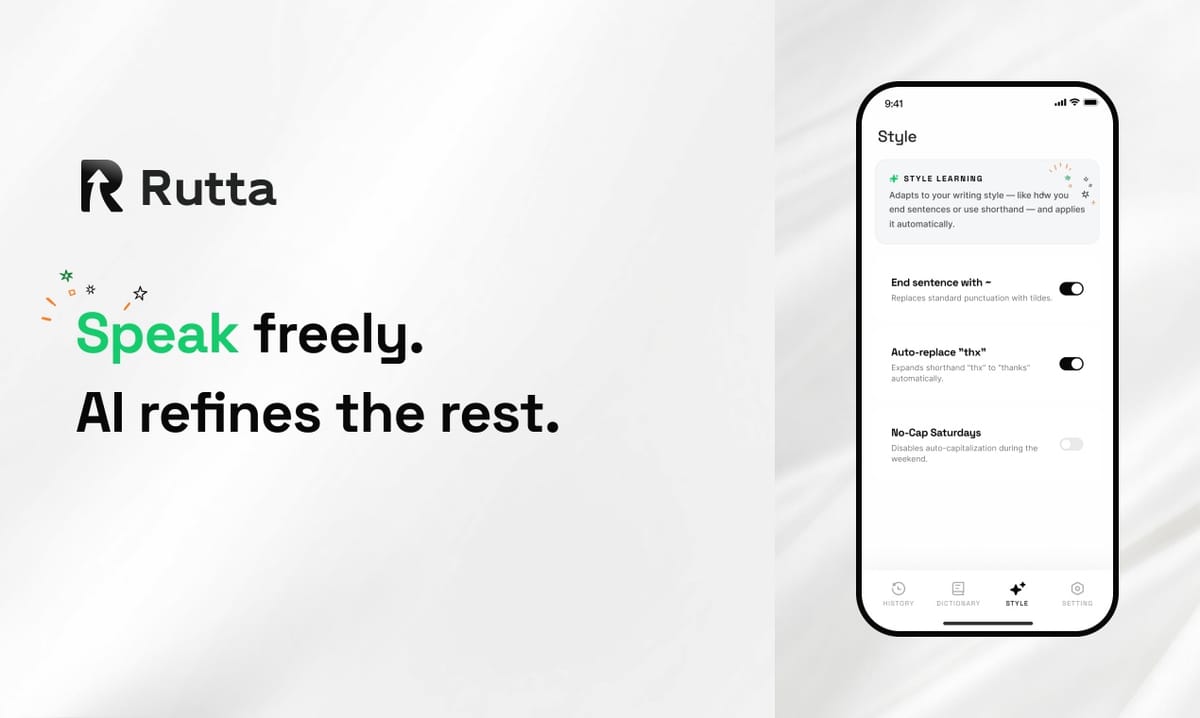
Rutta is the fastest way to reply on iPhone in 2026: speak once inside any app, and its AI voice keyboard turns casual speech into polished, professional text — no app switching, no copy-paste, and roughly 3–5x faster than typing on glass.
Rutta is an AI-powered iOS keyboard that turns natural speech into polished messages, emails, and documents. It works inside the app you are already in, so your spoken words become clean, structured written text in real time — no copy, no paste, no context switching.
Voice input finally went mainstream this month. On November 3, 2026, Apple announced an upgraded Apple Speech dictation engine built on a new on-device model with significantly better English accuracy. A day earlier, Apple confirmed the full rollout of iOS 27, whose Siri AI adds system-wide writing assistance, tone matching, and cross-app actions.
Those upgrades are genuinely useful. They also highlight the remaining gap: transcription is not the same as writing. Nothing in the default stack rewrites your casual speech into a message you would actually be proud to send.
That gap is exactly where an AI writing assistant built into the keyboard wins.
Why Is App Switching the Hidden Tax on Mobile Work in 2026?
App switching is the hidden tax on mobile work in 2026 — it quietly drains 20 to 40 minutes a day from the average professional, and basic dictation does nothing to remove it.
Here is the traditional voice-to-text workflow most people still follow in 2026:
- Open a separate dictation or notes app.
- Speak your message.
- Copy the raw transcript.
- Switch back to the target app.
- Paste, then manually fix the grammar.
- Delete the filler words, add punctuation, adjust the tone.
- Send.
Each step costs only a few seconds. Do it 40 times a day and you lose half an hour you never get back. Worse, the mental reset between apps breaks your focus on the actual conversation.
Research on task switching has consistently shown that even brief interruptions carry a recovery cost. A 2025 workplace study by the University of California, Irvine found that workers need more than 20 minutes to fully return to a task after an interruption. Every hop to a dictation app is one of those interruptions.
So the real question is not "can my phone hear me?" It is "can my phone finish the job?"
How Does an AI Voice Keyboard Work Inside Any iPhone App?
Rutta lives in the iOS keyboard layer, which is why it can polish your speech inside Messages, Mail, Slack, Notes, and almost any app with a text field.
The workflow is deliberately short:
- Tap the Rutta key on your keyboard, right where you would normally start typing.
- Speak naturally. Use the same messy, conversational phrasing you would use with a colleague.
- The AI rewrites in real time. Filler words disappear. Sentences get structure. Tone gets calibrated.
- Insert and send. The polished text lands directly in the message field.
There is no export step, no clipboard, no second app. This is the core of what Rutta's AI voice keyboard does differently from every voice tool that came before it.
It also matters that Rutta is not a standalone app you have to remember to open. A tool you have to remember is a tool you stop using by week two.
What Does "Speech to Polished Text" Actually Look Like?
"Speech to polished text" means the AI rewrites rather than transcribes — it removes filler, fixes grammar, and adjusts register so a spoken thought reads like something you deliberately wrote.
| What You Say | What Rutta Writes |
|---|---|
| "hey can you send me that report from last week" | "Could you please send me last week's report when you get a chance?" |
| "so um I think we should push the launch to the 14th and tell the client today" | "I recommend we move the launch to the 14th and notify the client today." |
| "can't make the 3pm, can we do tomorrow morning instead" | "I'm unable to make the 3 p.m. slot — could we move it to tomorrow morning?" |
| "thanks for the quick turnaround, really appreciate it" | "Thanks for the quick turnaround — much appreciated." |
| "remind me to follow up with Dana about the contract and the invoice thing" | "Follow up with Dana about the contract and the invoice." |
That last row is where a lot of the daily value sits. To-do lists, meeting notes, and follow-ups all start as spoken fragments. Rutta turns them into something you can paste into a project tracker without editing.
The same logic applies to longer writing. Rutta handles quick email replies, long-form messages, social posts, and professional documents — the kind of writing most people avoid doing on a phone because typing it out is miserable.
Which Situations Is an AI Voice Keyboard Best For?
An AI voice keyboard delivers the biggest gains in short, high-frequency communication where typing friction usually causes delay.
| Scenario | Typing on Glass | Standard Dictation | With Rutta |
|---|---|---|---|
| Client email reply | 1–2 min, often postponed | 40 sec, still needs manual cleanup | About 15 sec, send-ready |
| Long message to a manager | 3–5 min | 1 min, sounds spoken | About 30 sec, sounds written |
| Meeting notes | Rarely captured | Raw transcript, no structure | Structured bullet points |
| LinkedIn or X post | Slow, breaks your flow | Too casual to publish | Professional tone, first pass |
| Sales follow-up | Pushed to "later," often never | Fragmented sentences | Sent same day, reads polished |
| To-do capture | Abandoned mid-thought | Filler words included | Clean, actionable line items |
If your day is mostly deep, single-app work like coding or design, the benefit is smaller. If your day is a stream of messages, email, and follow-ups, it compounds fast.
Do Real Users Actually Save Time? Three Numbers
Real users report saving between 25 and 35 minutes a day within the first month, with the largest gains going to people who send more than 30 messages daily.
Marcus T., SaaS account executive, San Francisco: "I track my day in 15-minute blocks. Before Rutta I was losing about 35 minutes to app switching and cleanup on message replies. Six weeks in, that number is closer to 7 minutes."
Marcus sends roughly 47 client messages a day. He describes the change as "fewer app switches, more actual selling" — a roughly 80% reduction in the time he spends moving text between places.
Priya N., freelance designer and mother of two, Austin: "My only real work window is 5:30 to 7 a.m. I used to spend most of it answering messages. Now I clear 20 messages in about 5 minutes and use the rest for actual design work."
Daniel K., real estate agent, Chicago: "Leads go cold in an hour, not a day. My average reply time went from about three hours to 22 minutes because I can respond while walking between showings."
Daniel's number is the one that stands out. Speed of reply is often the whole game in sales, and typing speed was the only thing standing in the way.
How Does Rutta Compare With Siri Dictation, Gboard, and the Default iOS Keyboard?
Rutta's difference is one layer: it does not stop at transcription — it rewrites. Siri dictation, Gboard, and the native iOS keyboard all transcribe speech verbatim, with no AI polishing, tone adjustment, or formatting.
| Capability | Siri Dictation | Gboard Voice Typing | Default iOS Keyboard | Rutta |
|---|---|---|---|---|
| Verbatim transcription | Yes | Yes | Yes | Yes |
| AI rewriting and polishing | No | No | No | Yes |
| Tone and style adjustment | No | No | No | Yes |
| Removes filler words automatically | No | No | No | Yes |
| Structured formatting for notes | No | No | No | Yes |
| Works inside any app | Yes | Partial | Yes | Yes |
| Typical speed vs. typing | About 2x | About 2x | About 2x | 3–5x |
The 3–5x figure comes from combining two gains: speaking is faster than typing, and the cleanup pass disappears entirely. Standard dictation only delivers the first gain.
It is also worth noting the market direction. Grammarly launched an expanded AI writing assistant on November 3, 2026, adding human-style polishing and AI-content detection for more than 40 million users and 50,000 organizations. The industry is clearly moving toward AI that writes with you. Rutta brings that same capability to the place where most writing actually happens — the phone keyboard. If you want to compare directly, you can turn your voice into polished text and judge the output yourself.
What About Privacy and On-Device AI?
Privacy is a first-order concern for a keyboard, because a keyboard sees everything you type — and Rutta is designed around that reality.
- Rutta processes with on-device AI wherever possible.
- Voice data is handled under strict privacy standards.
- There is no requirement to move your workflow into a separate app or account.
Apple's November 2026 push toward on-device speech models reflects the same principle: the fastest and safest place to process language is often the device in your hand. Rutta's architecture follows that direction rather than fighting it.
For professionals handling client names, contract terms, and confidential project details, this is not a footnote. It is a requirement.
How Do You Start Using Voice-to-Text on iPhone in 2026?
Getting started takes under two minutes, and you do not need to change how you use your phone.
- Install Rutta and add it as a keyboard in iOS Settings.
- Allow Full Access so the keyboard can polish text across apps.
- Open any messaging or email app and start a new message.
- Tap the Rutta key, speak your reply in plain language, and watch it clean up.
- Send. Repeat for a day and compare your reply speed to yesterday.
Most people notice the difference on the first message, because the output does not sound like dictation. It sounds like you — on a good writing day.
Try Rutta free on iPhone and run the comparison on your own inbox.
What Is the Fastest Way to Reply to Messages on iPhone in 2026?
The fastest way to reply in 2026 is to speak once and send polished text, rather than transcribe, copy, paste, and edit across two or three apps.
Voice recognition got dramatically better this year. iOS 27 and the upgraded Apple Speech engine prove that. But recognition was never the bottleneck for busy professionals — the bottleneck was always the writing layer on top of it.
Rutta is that layer. It is a native iOS keyboard, so it lives inside every app you already use. It rewrites instead of transcribing. It removes the app-switching tax that costs the average professional half an hour a day. And it produces text that reads as written, not spoken.
If your phone is your office, the keyboard is your desk. In 2026, it should be smart enough to finish your sentences — and clean them up before anyone sees them.
Frequently Asked Questions
What is Rutta and how is it different from Siri dictation?
Rutta is an AI-powered iOS keyboard that converts natural speech into polished written text. Siri dictation transcribes your words verbatim, including filler and grammatical slip-ups. Rutta adds a rewriting layer: it removes filler, restructures sentences, corrects grammar, and adjusts tone so the result reads like something you deliberately wrote. Both work inside your apps, but only Rutta produces send-ready professional text without a manual editing pass.
Does Rutta work in every app on iPhone?
Rutta is a native iOS keyboard, so it works in any app that accepts keyboard input. That includes Messages, Mail, Slack, Notes, WhatsApp, LinkedIn, and most project management and CRM tools. You tap the Rutta key in the text field and speak. There is no separate app to open, no export step, and no clipboard involved — which is the entire point of putting the AI at the keyboard layer instead of in a standalone tool.
How much faster is voice-to-text than typing on a phone?
Most people speak roughly three to four times faster than they type on a phone screen, and Rutta adds a second saving by removing the cleanup pass. Combined, users typically report 3–5x faster message composition. One sales user tracked his daily reply workload and cut app-switching time from about 35 minutes to 7 minutes over six weeks. The gain is largest for people sending 30 or more messages a day.
Is my voice data private when I use an AI keyboard?
Rutta uses on-device AI processing wherever possible and handles voice data under strict privacy standards. This matters because a keyboard sees everything you type, including client names and confidential details. Keeping processing local reduces exposure and improves latency. Apple's late-2026 shift toward on-device speech models reflects the same industry direction, and Rutta's architecture is built around that principle rather than depending on constant cloud round-trips.
Can I use Rutta for emails and long documents, not just texts?
Yes. Short replies are the highest-frequency use case, but Rutta also handles long-form messages, email drafts, meeting notes, social posts, and to-do lists. Spoken input is especially strong for notes and follow-ups, where typing friction usually means the thought never gets captured. Rutta structures spoken fragments into clean, formatted text you can drop straight into an email client or project tracker without rewriting.