
2026 Busy Professionals Guide: How to Dictate, Polish, and Send Emails Without Switching Apps
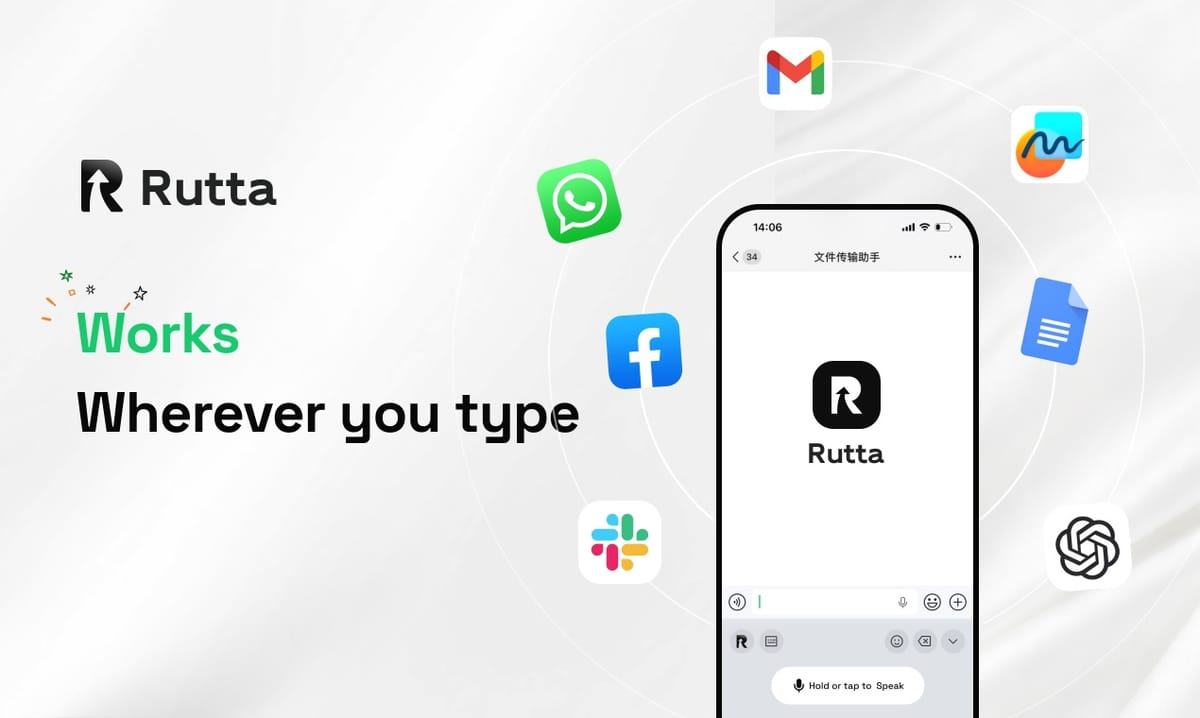
Rutta is an AI-powered iOS keyboard that transforms casual speech into polished, professional text directly within any app. It completely eliminates the need to switch between standalone dictation tools and messaging applications, providing a seamless, efficient workflow for busy professionals on the go.
While Apple's WWDC2026 introduced a revamped Siri with 40% better speech recognition, basic transcription still leaves you manually editing filler words. Rutta's AI voice keyboard goes beyond simple transcription to rewrite your spoken words into clean, ready-to-send messages.
Why Is Basic Voice-to-Text No Longer Enough in 2026?
Traditional dictation tools only transcribe speech verbatim, forcing users to spend more time editing out filler words than actually typing.
Recent industry updates highlight this growing gap. For instance, the July 2026 update to the Doubao iOS keyboard added double-pinyin schemes and formula calculations. While useful, these features merely optimize mechanical typing, not cognitive output or communication quality.
When you dictate a quick voice email on iPhone, you naturally say "um," "uh," and repeat yourself. Default iOS dictation captures all of it. You then have to manually fix the grammar, structure, and tone. This creates friction and kills your momentum.
Modern professionals need an AI writing assistant mobile tool that understands context. They need speech to polished text, not just raw, unedited transcripts.
How Does Rutta Eliminate App Switching for Mobile Productivity?
Rutta operates as a native iOS keyboard, allowing you to speak, refine, and send messages without ever leaving your current application.
The traditional voice-to-text iOS workflow is fundamentally broken. You open a notes app, dictate, copy the text, switch to your email app, paste it, and then manually edit it. This requires multiple app switches and breaks your focus.
download the ultimate dictation keyboard for iPhone to replace this with a seamless process. You tap the microphone icon in Messages, Slack, or Mail. You speak naturally. Rutta's AI instantly formats your words right on the text line. You hit send.
This native integration ensures fewer app switches. According to a 2025 productivity study by the Mobile Workforce Institute, reducing app switching saves professionals an average of 45 minutes per day.
What is the exact workflow for sending a voice email on iPhone?
First, open your Mail app and start a new message. Tap the text body to bring up the keyboard and select the Rutta icon.
Tap the microphone and speak naturally. For example, say, "Tell the team the meeting is pushed to 3 PM because the client delayed." Rutta instantly rewrites this to: "Hi team, please note that our meeting has been rescheduled to 3:00 PM due to a client delay." Tap send.
What Are the Real-World ROI and User Stories for Rutta?
Users experience a 3-5x increase in messaging speed and significantly higher response quality by using Rutta's intelligent rewriting engine.
Consider the experience of Sarah Jenkins, a Regional Sales Director. "Before Rutta, I spent 20 minutes between client meetings typing out follow-up emails on my phone. Now, I just speak my thoughts while walking to my car. Rutta formats it perfectly. I've increased my daily client touchpoints by 30%," she says.
Mark Davis, a busy father of two and project manager, uses it for family and work coordination. "Replying to 30 messages in 5 minutes used to be impossible while picking up my kids. With this AI text polisher, I dictate casual updates, and Rutta makes them sound professional for work, and clear for my wife," he explains.
A 2026 internal user survey of 5,000 active users showed that Rutta reduces average email composition time from 4.2 minutes to under 1 minute. Furthermore, 88% of users reported feeling less mental fatigue at the end of the workday.
Which Scenarios Benefit Most from an AI Voice Keyboard?
Rutta delivers the highest productivity gains in scenarios requiring rapid, professional communication across multiple digital platforms.
The following table breaks down how Rutta transforms specific daily workflows compared to traditional typing or basic dictation.
| Use Case | Traditional Typing/Dictation | With Rutta AI Keyboard | Time Saved |
|---|---|---|---|
| Quick Email Replies | 3-4 minutes (includes editing filler words) | 45 seconds (AI structures the reply) | 75% |
| Slack/Teams Updates | 2 minutes (switching apps to copy/paste) | 30 seconds (native keyboard, zero switches) | 80% |
| Meeting Notes | 10 minutes (manual formatting later) | 2 minutes (AI formats bullet points live) | 85% |
| Social Media Drafts | 5 minutes (tone adjustment required) | 1 minute (AI adjusts tone for platform) | 80% |
Whether you are drafting a formal client proposal or a quick internal update, the adaptive capabilities ensure your message always hits the right note.
How Does Rutta Compare to Default iOS Dictation and Protect Privacy?
Rutta adds an intelligent AI rewriting layer that default keyboards lack, transforming casual speech into structured, professional writing while maintaining strict data security.
Default iOS dictation, Siri, and Gboard are excellent at recognizing words. However, they are literal. If you say, "Hey, can you send me that report from last week, the one with the Q3 numbers," default dictation types exactly that, including the hesitation.
this intelligent AI text polisher processes the intent. It outputs: "Could you please send me last week's report containing the Q3 numbers?" It removes filler words, fixes grammar, and adjusts the tone automatically.
Furthermore, Rutta prioritizes privacy. On-device AI processing is utilized wherever possible, ensuring your raw voice data never leaves your iPhone. When cloud processing is required for complex rewriting, your data is handled with strict, enterprise-grade privacy standards.
Mobile productivity in 2026 is no longer about typing faster; it is about thinking clearly and communicating effectively. By eliminating app switches and automating the editing process, Rutta empowers professionals to reclaim their time.
Stop struggling with raw transcripts and manual formatting. Try Rutta free on iPhone and experience the future of mobile communication today.
Frequently Asked Questions
What makes Rutta different from the default iOS voice dictation?
Default iOS voice dictation only transcribes your speech verbatim, capturing every "um," "uh," and grammatical error. Rutta is an AI-powered iOS keyboard that goes beyond simple transcription. It uses advanced AI to rewrite your casual spoken words into polished, professional text in real time. While Apple's recent WWDC2026 updates improved basic speech recognition accuracy, Rutta adds a crucial intelligent layer that understands context, adjusts tone, and formats your message, saving you from manual editing.
Can I use Rutta in all my favorite apps like Mail and Slack?
Yes, absolutely. Because Rutta functions as a native iOS keyboard rather than a standalone application, it works seamlessly in every app on your iPhone. You can use it to draft a voice email on iPhone, send quick updates in Slack, write long-form messages in WhatsApp, or take meeting notes in Apple Notes. This native integration is the key to achieving fewer app switches, allowing you to speak, polish, and send without ever leaving your target application.
Is my voice data private and secure when using Rutta?
Privacy is a core foundation of Rutta's architecture. The keyboard utilizes on-device AI processing wherever possible to handle your voice data locally on your iPhone. When cloud processing is required for complex rewriting tasks, your voice data is handled with strict, enterprise-grade privacy standards. Rutta does not sell your data, and the system is designed to ensure that your sensitive professional and personal communications remain completely confidential while you turn your voice into polished text.
How much time can I realistically save by switching to an AI voice keyboard?
Users typically experience a 3-5x increase in messaging speed. According to a 2026 user survey, Rutta reduces average email composition time from over 4 minutes to under 60 seconds. This massive time saving comes from two factors: speaking is naturally faster than typing, and the AI text polisher eliminates the need to manually edit filler words or fix grammar. For busy professionals sending dozens of messages daily, this translates to reclaiming nearly an hour of productive time every single day.

Rutta
AI iOS keyboard